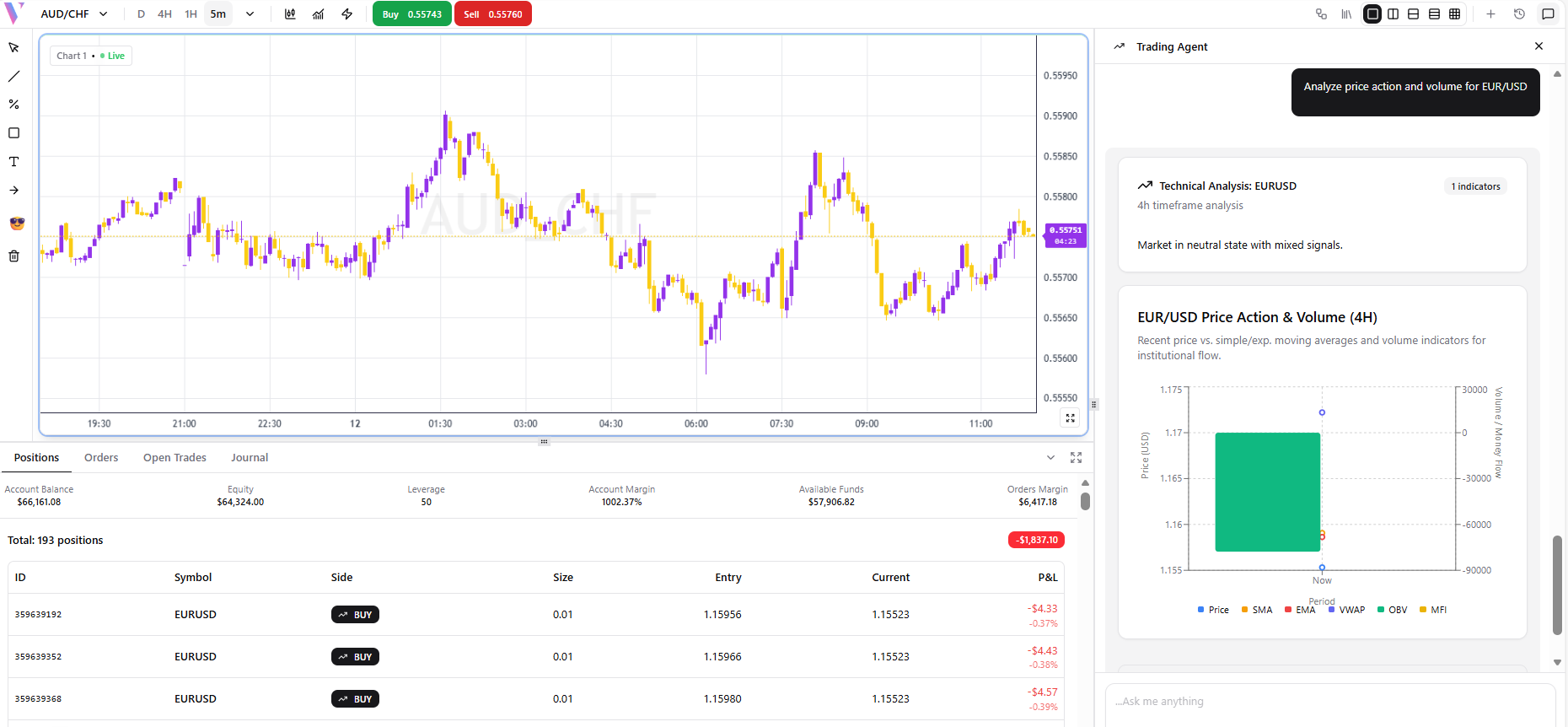
Trading Agent
The Trading Agent executes trades instantly with natural language commands. Buy, sell, close positions, set stop-losses, and get pre-trade analysis — all from the chat.
What It Does
The Trading Agent connects directly to your broker account. For direct commands like “Buy” or “Sell”, it executes instantly. For analytical queries, it provides technical context with a chart before suggesting action.
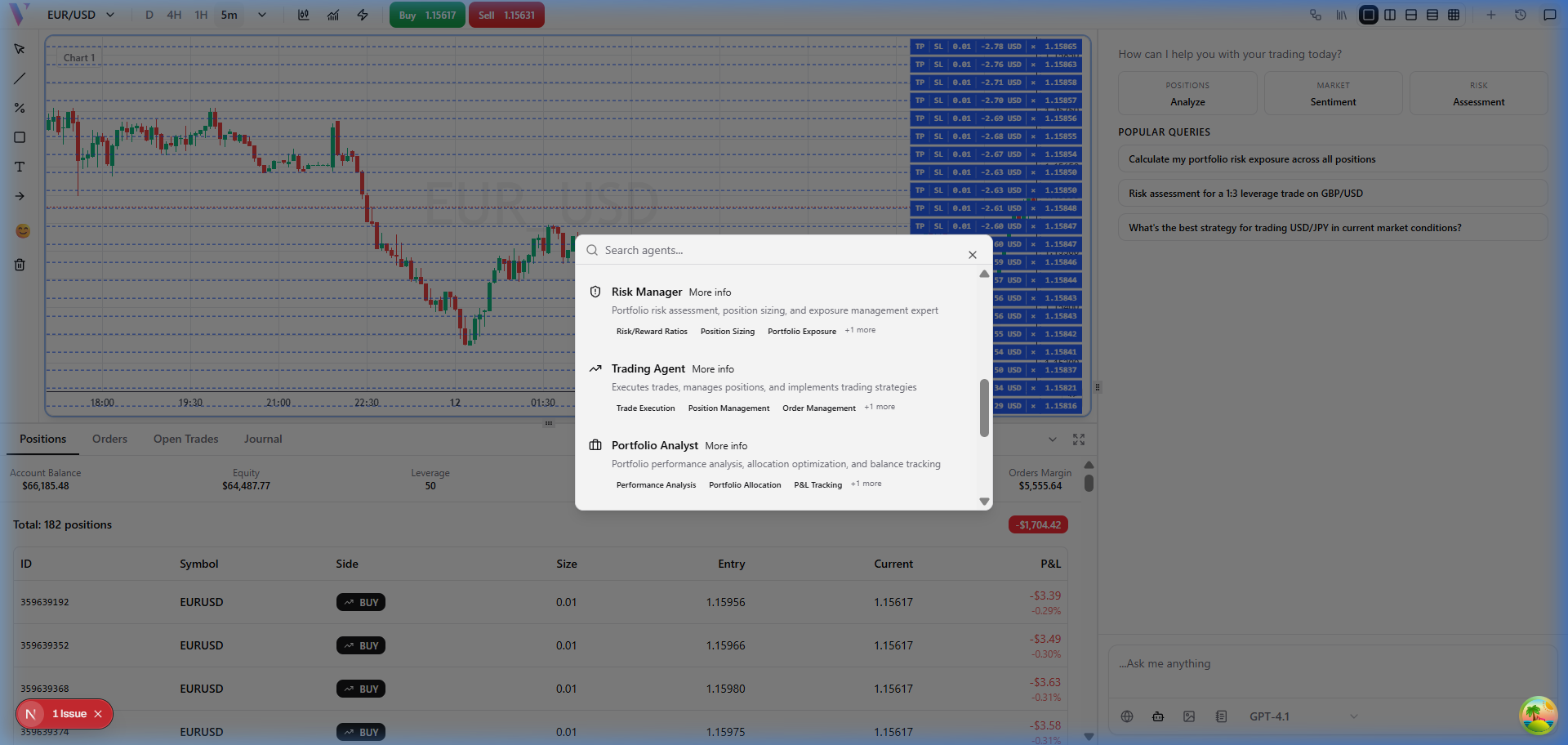
Step 1: Select the Trading Agent
Click the **Brain icon** in the bottom-right of the chat to open the Agent Selector, then choose **Trading Agent**.
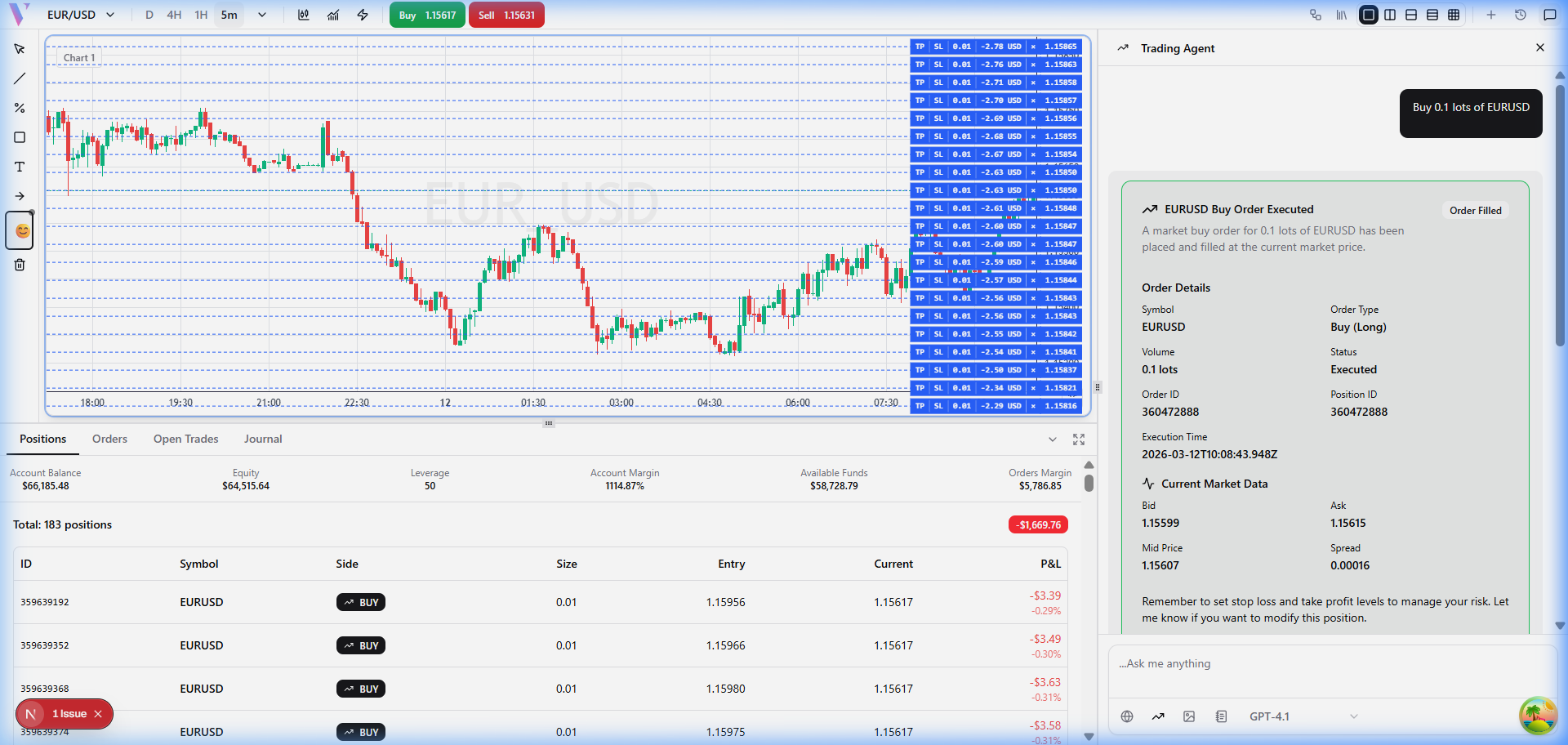
Example 1: Instant Buy Order
**Prompt:** "Buy 0.1 lots of EURUSD" **What You Get:** Instant execution — order placed and confirmed in chat.
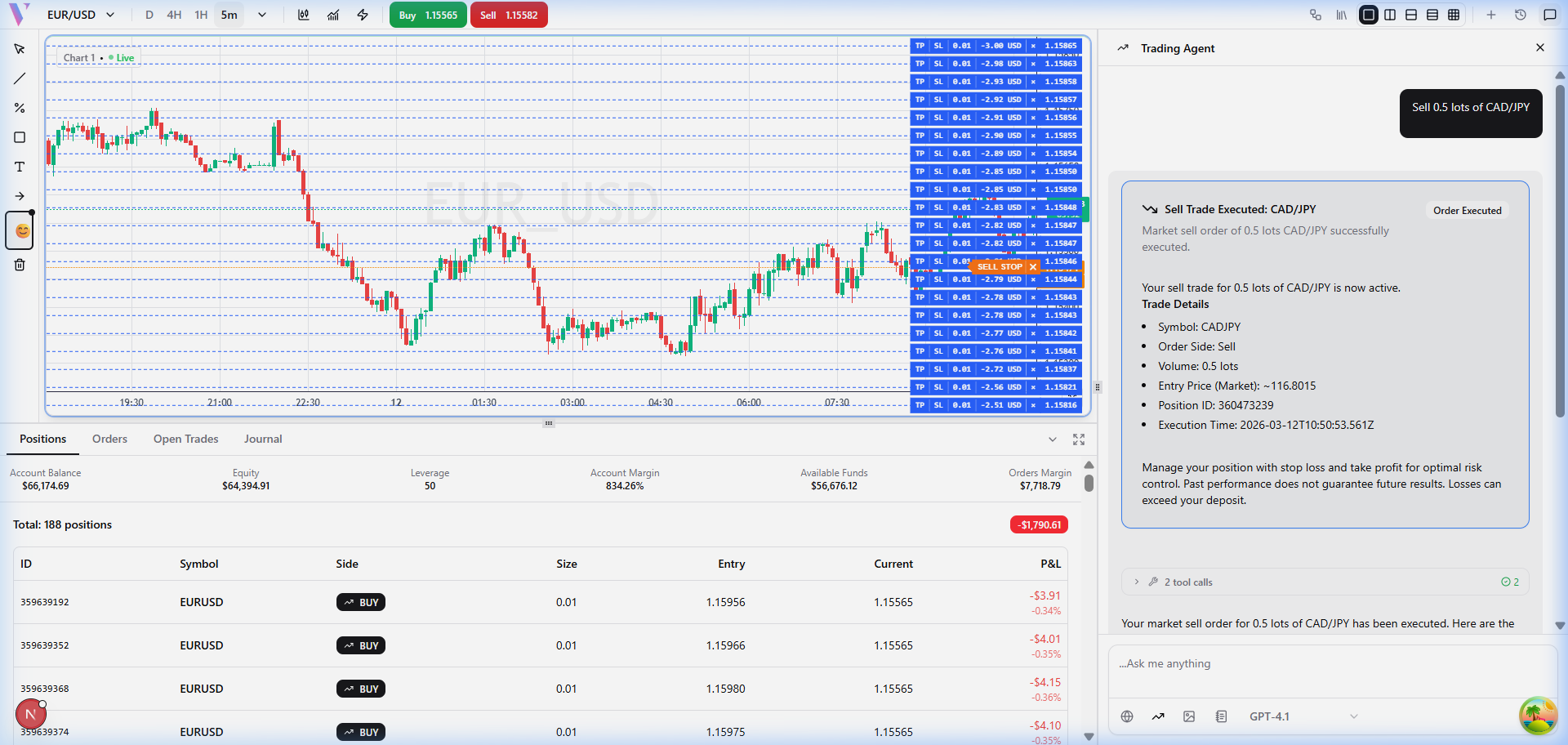
Example 2: Sell Order
**Prompt:** "Sell 0.5 lots of CAD/JPY" **What You Get:** Immediate sell order with confirmation details.
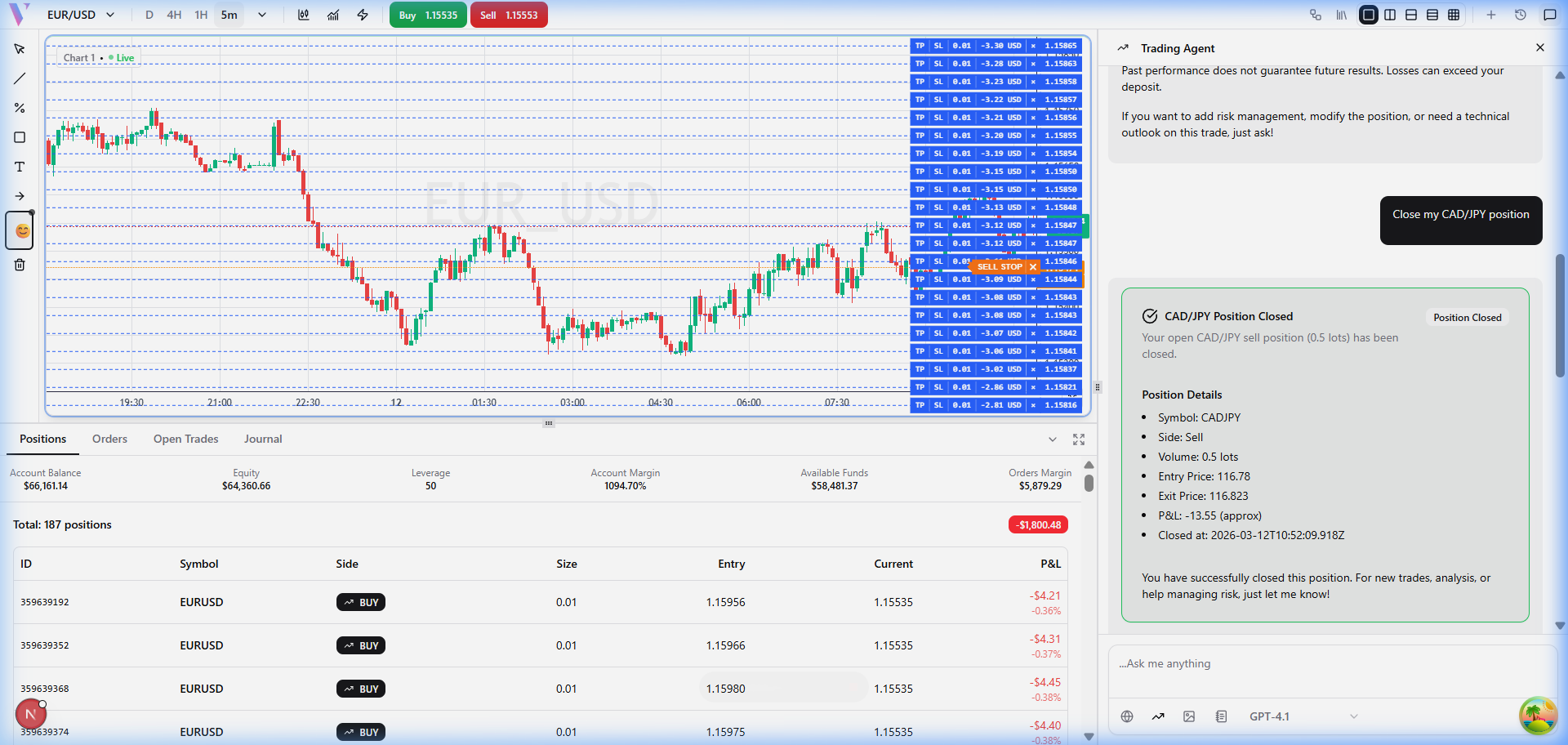
Example 3: Close Position
**Prompt:** "Close my CAD/JPY position" **What You Get:** Position closed with P&L summary.
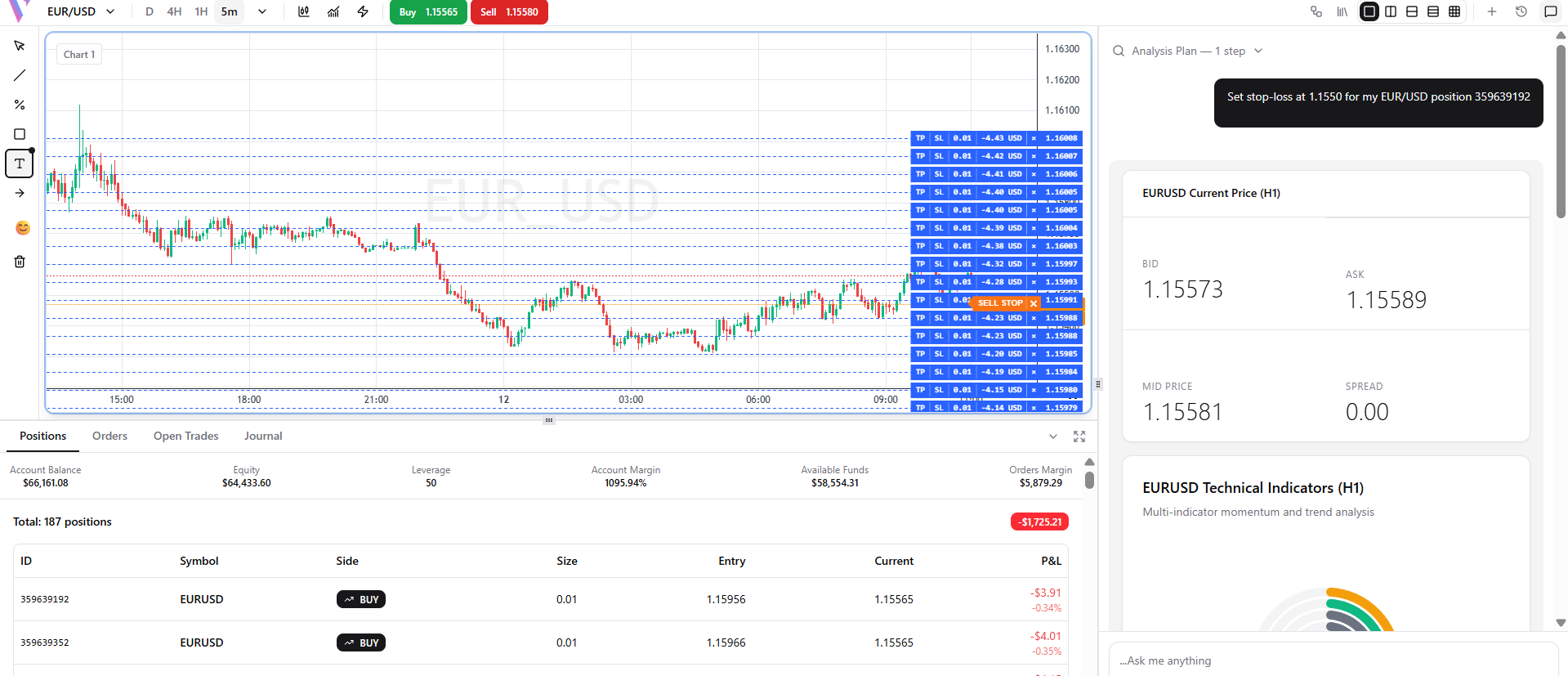
Example 4: Set Stop Loss
**Prompt:** "Set stop-loss at 1.1550 for my EUR/USD position 359639192" **What You Get:** Automatic stop-loss modification for the specific trade.
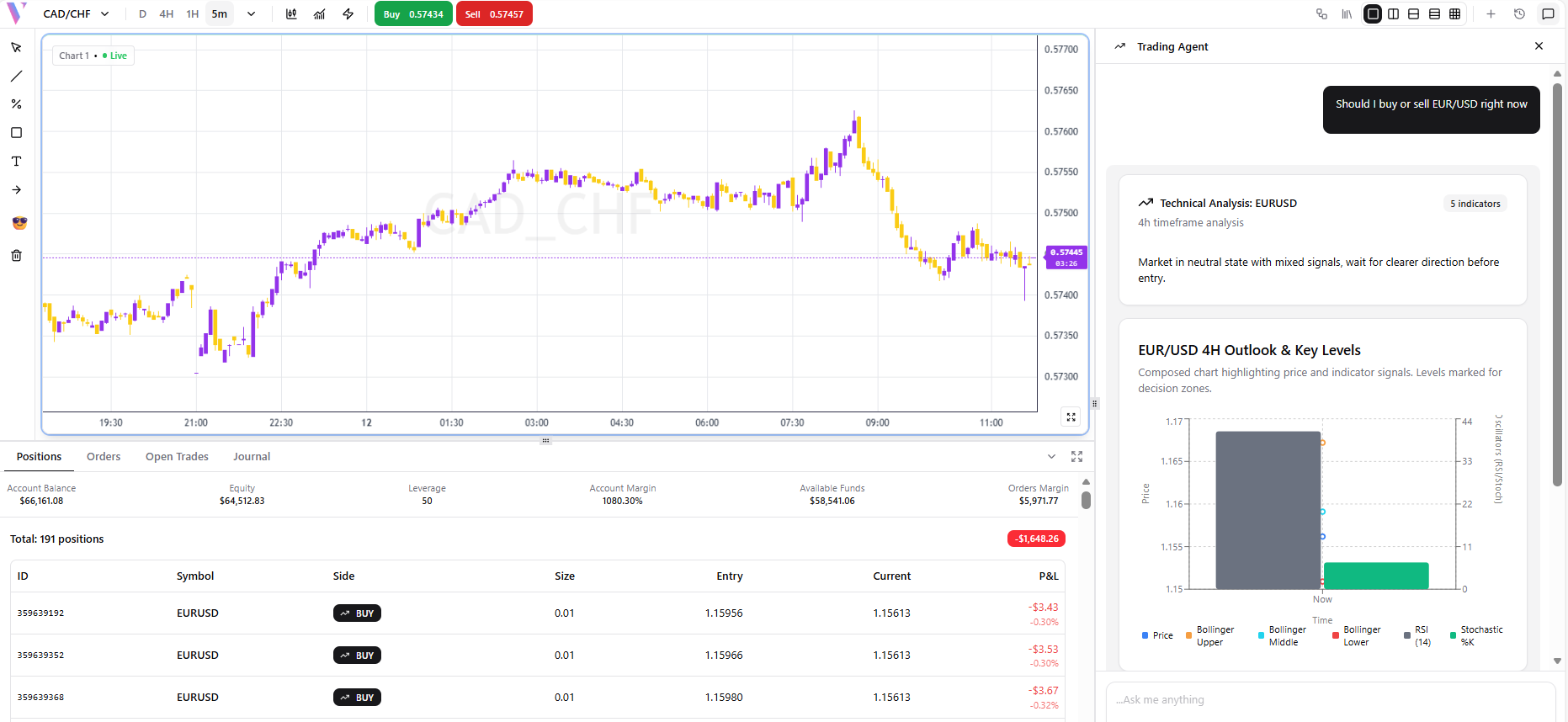
Example 5: Pre-Trade Analysis
**Prompt:** "Should I buy or sell EUR/USD right now" **What You Get:** Technical analysis context + a recommended action.
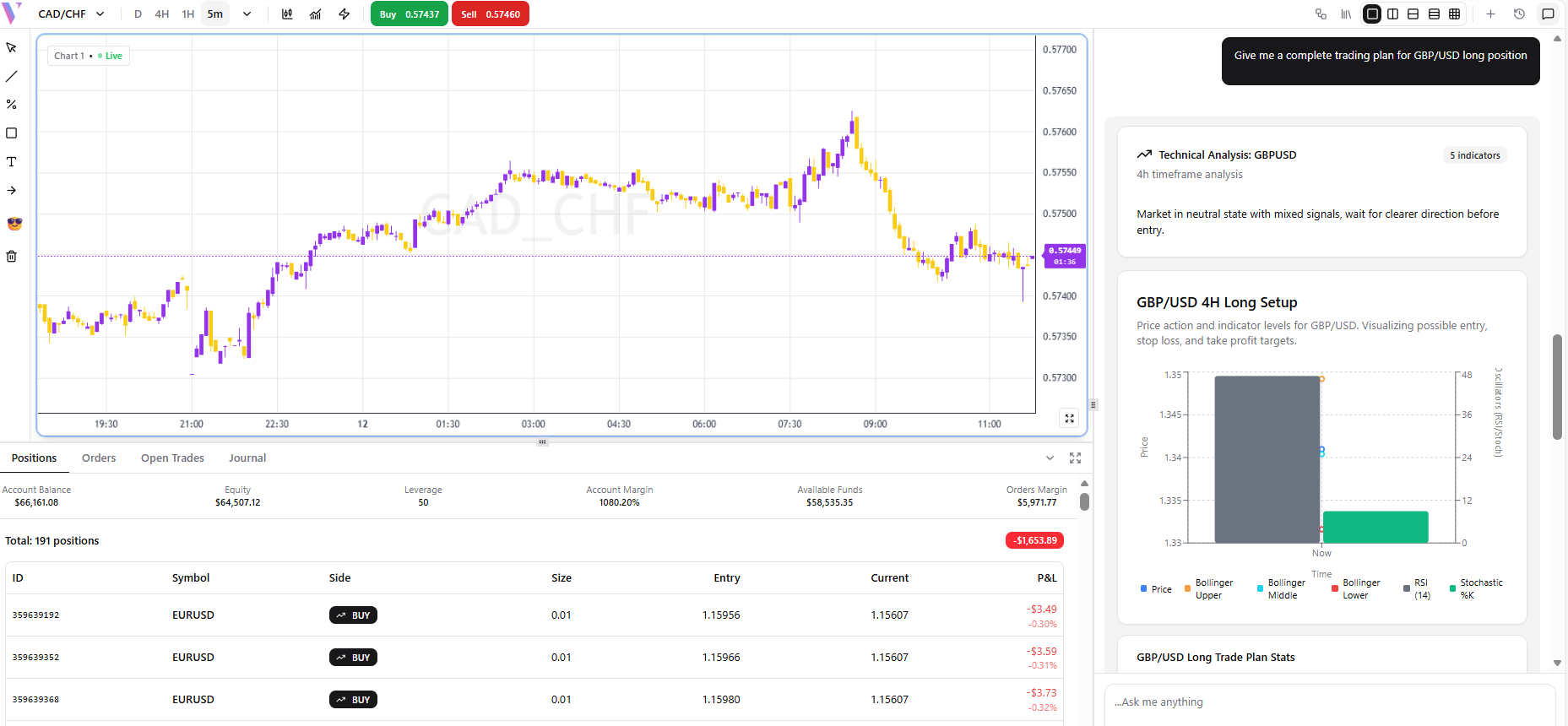
Example 6: Complete Trading Plan
**Prompt:** "Give me a complete trading plan for GBP/USD long position" **What You Get:** Entry, SL, TP, lot size, and rationale in one response.
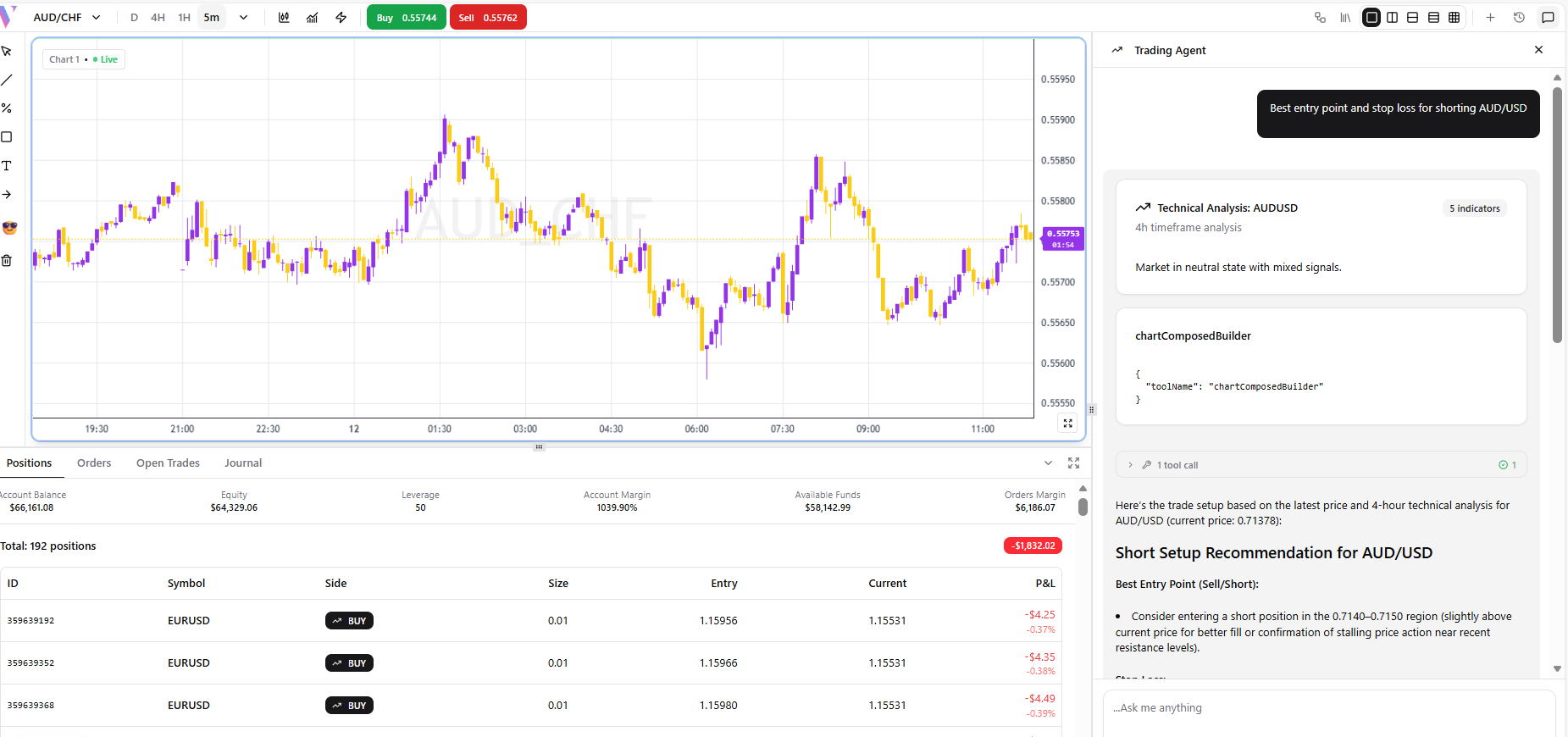
Example 7: Short Entry Point
**Prompt:** "Best entry point and stop loss for shorting AUD/USD" **What You Get:** Optimal short entry based on current technicals.
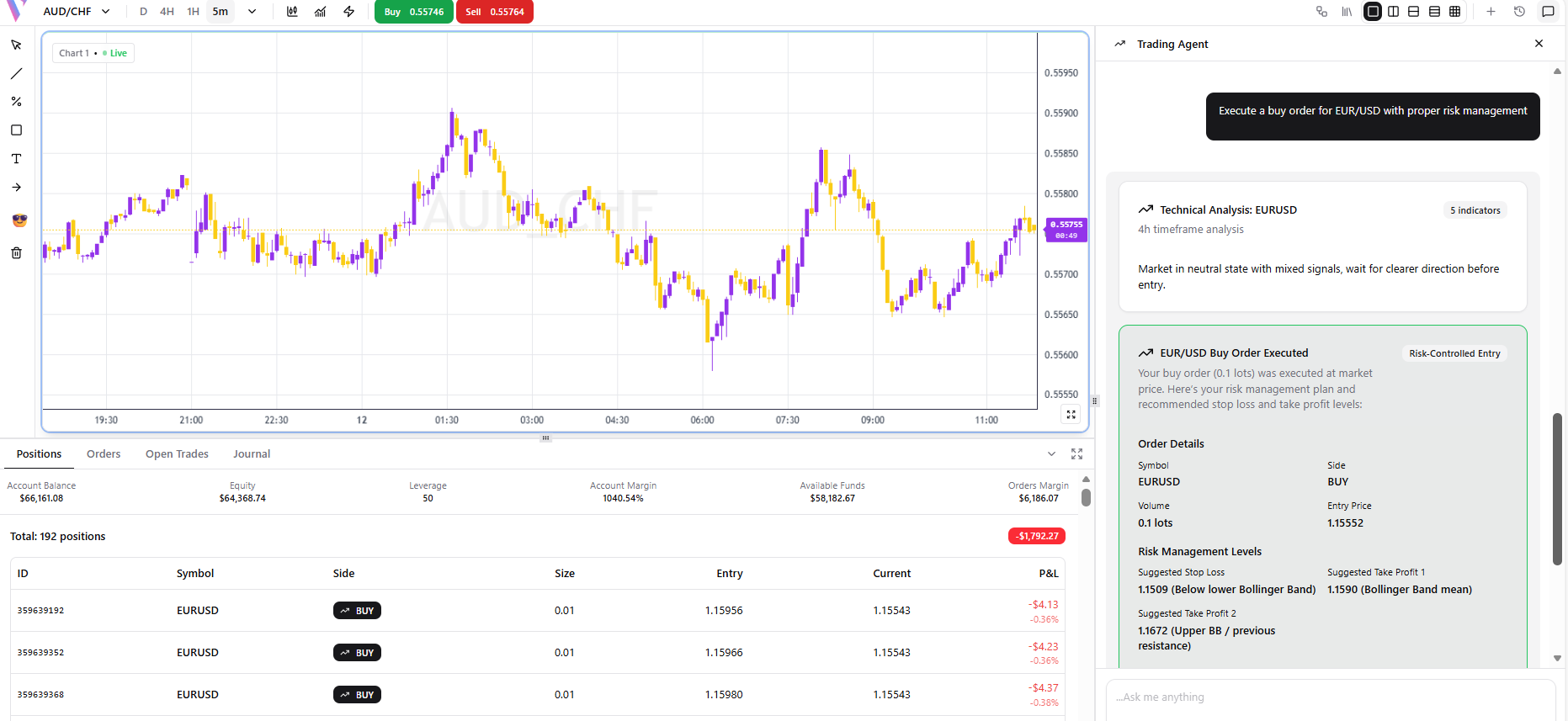
Example 8: Buy with Risk Management
**Prompt:** "Execute a buy order for GBP/USD with proper risk management" **What You Get:** Places order with auto-calculated SL based on your risk profile.
Example 9: Price Action Analysis
**Prompt:** "Analyze price action and volume for EUR/USD" **What You Get:** A pre-trade analysis with chart before suggesting action.