
Skip to Content
Back to Showcase

How to Place Trade
Master the art of precision trading with our intuitive AI-assisted trade placement system.
Step 1 /
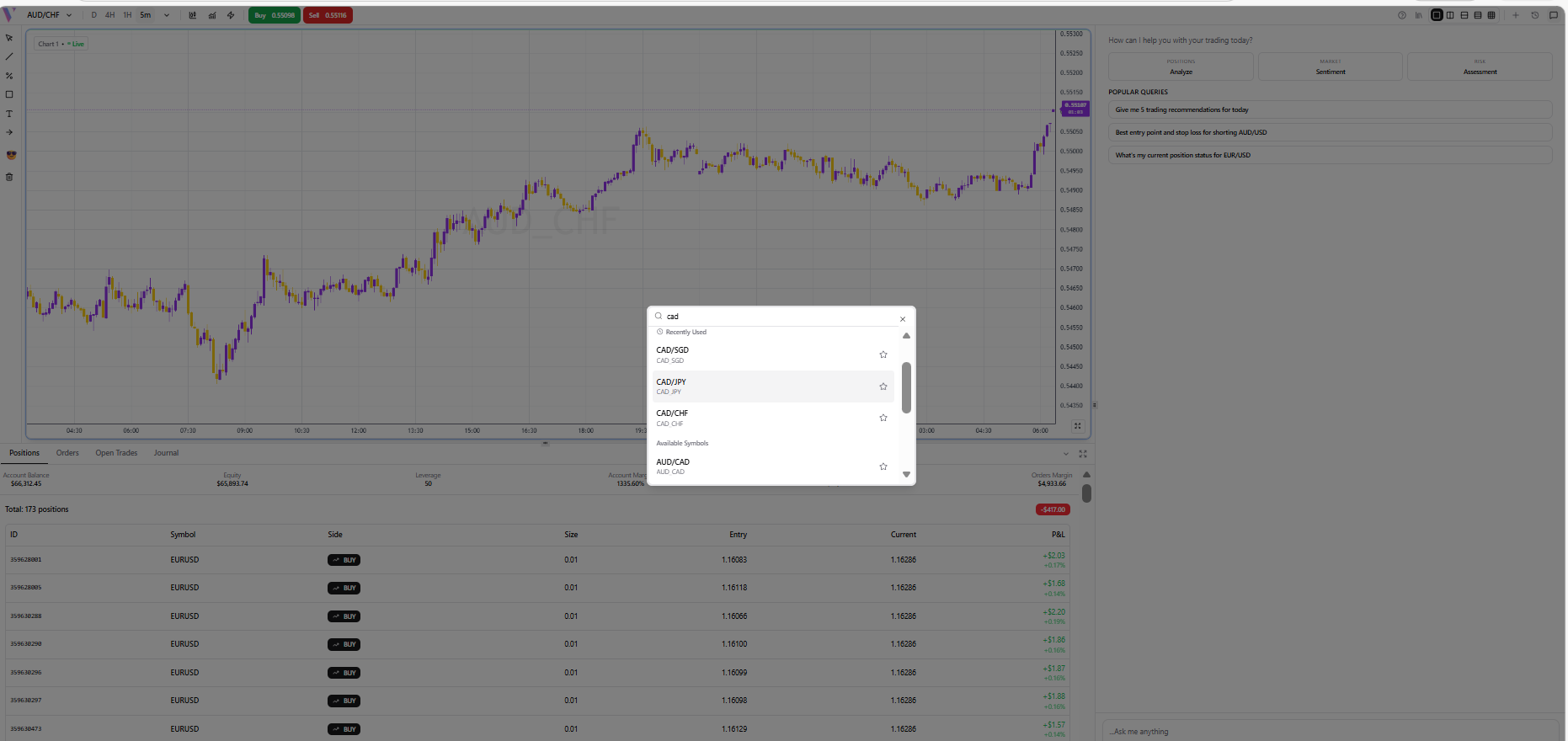
Select your Asset
Use the Symbol Selector in the header to search for and select the asset you want to trade (e.g., EUR/USD, Gold, or BTC).
Step 2 /
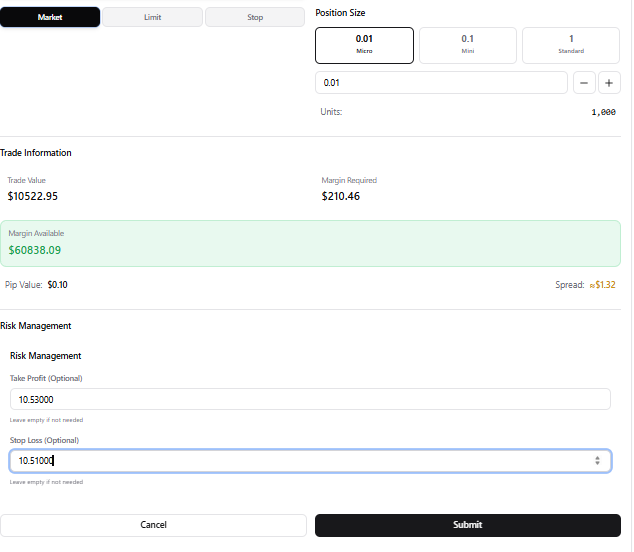
Choose your Order Type
Decide between a Market Order (instant execution) or a Pending Order (limit/stop order at a specific price).
Step 3 /
Configure Trade Parameters
Set your position size (lots/units), Stop Loss, and Take Profit levels to manage your risk effectively.
Step 4 /
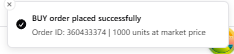
Execute with Confidence
Click the Buy or Sell button. A confirmation will appear once your order is processed by the broker.