
Skip to Content
Back to Showcase
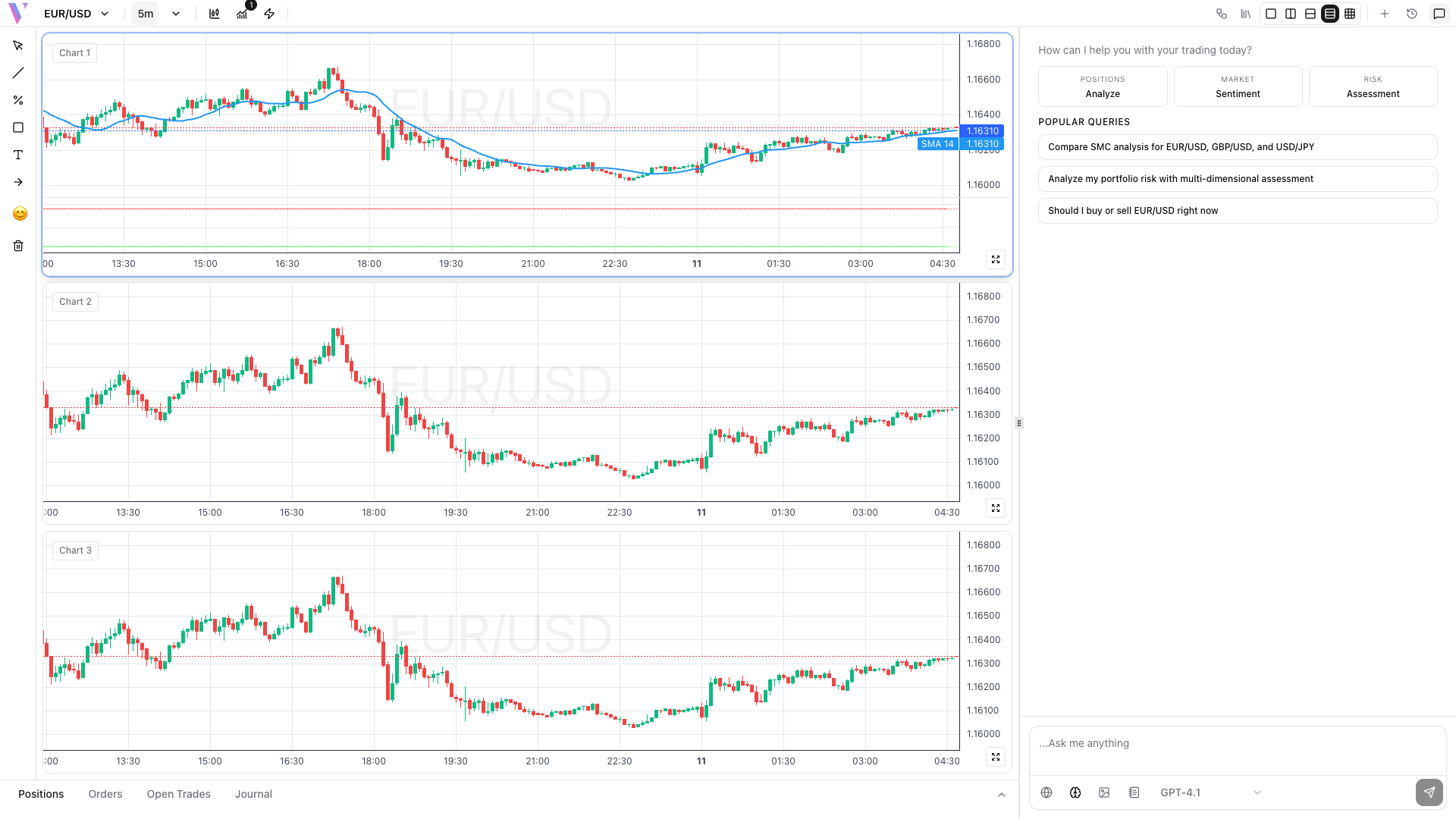
Multi-Chart Setup
Analyze multiple currency pairs or timeframes simultaneously for comprehensive market analysis.
Step 1 /
Select Chart Layout
Click the layout button in the toolbar to choose between single, dual, or quad chart views for your trading workspace.
Step 2 /
Configure Each Chart
Click on each chart to make it active, then select different currency pairs or timeframes for comparative analysis.
Step 3 /
Apply Different Analysis
Add unique indicators to each chart - use RSI on one chart and MACD on another to get different perspectives on market conditions.
Step 4 /
Monitor Correlations
Watch for price divergences between correlated pairs or confirm trends across multiple timeframes before entering trades.