
Skip to Content
Back to Showcase
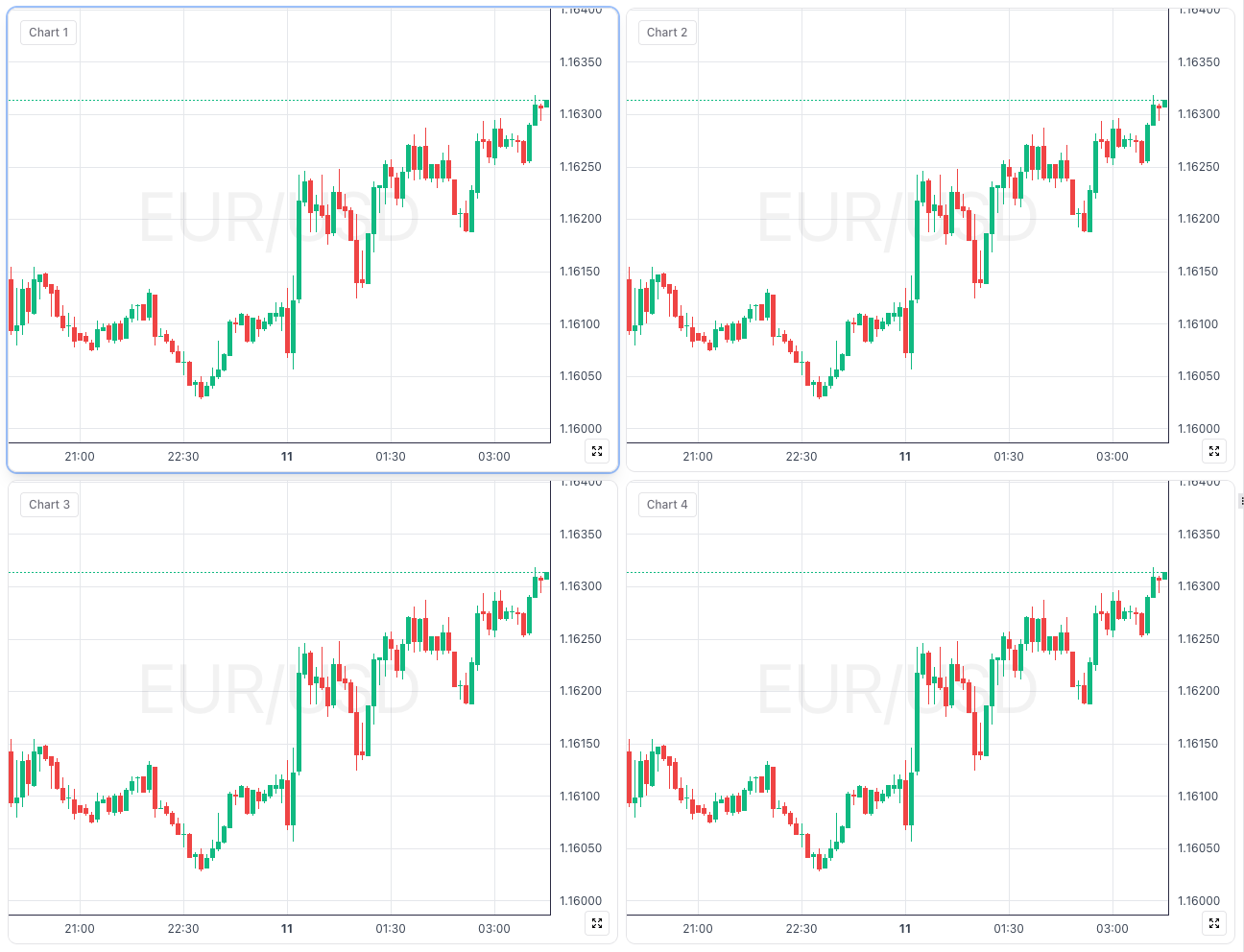
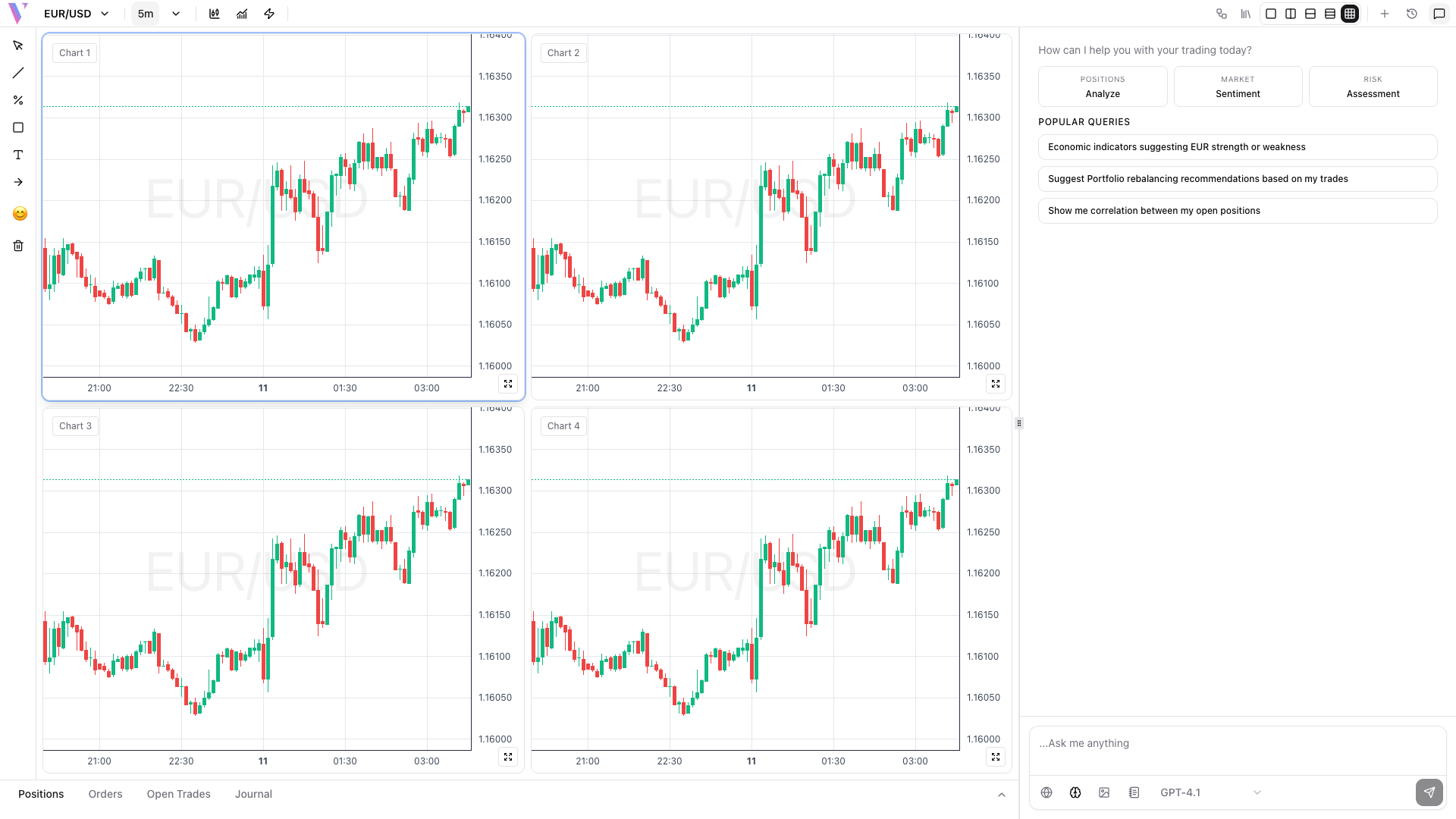
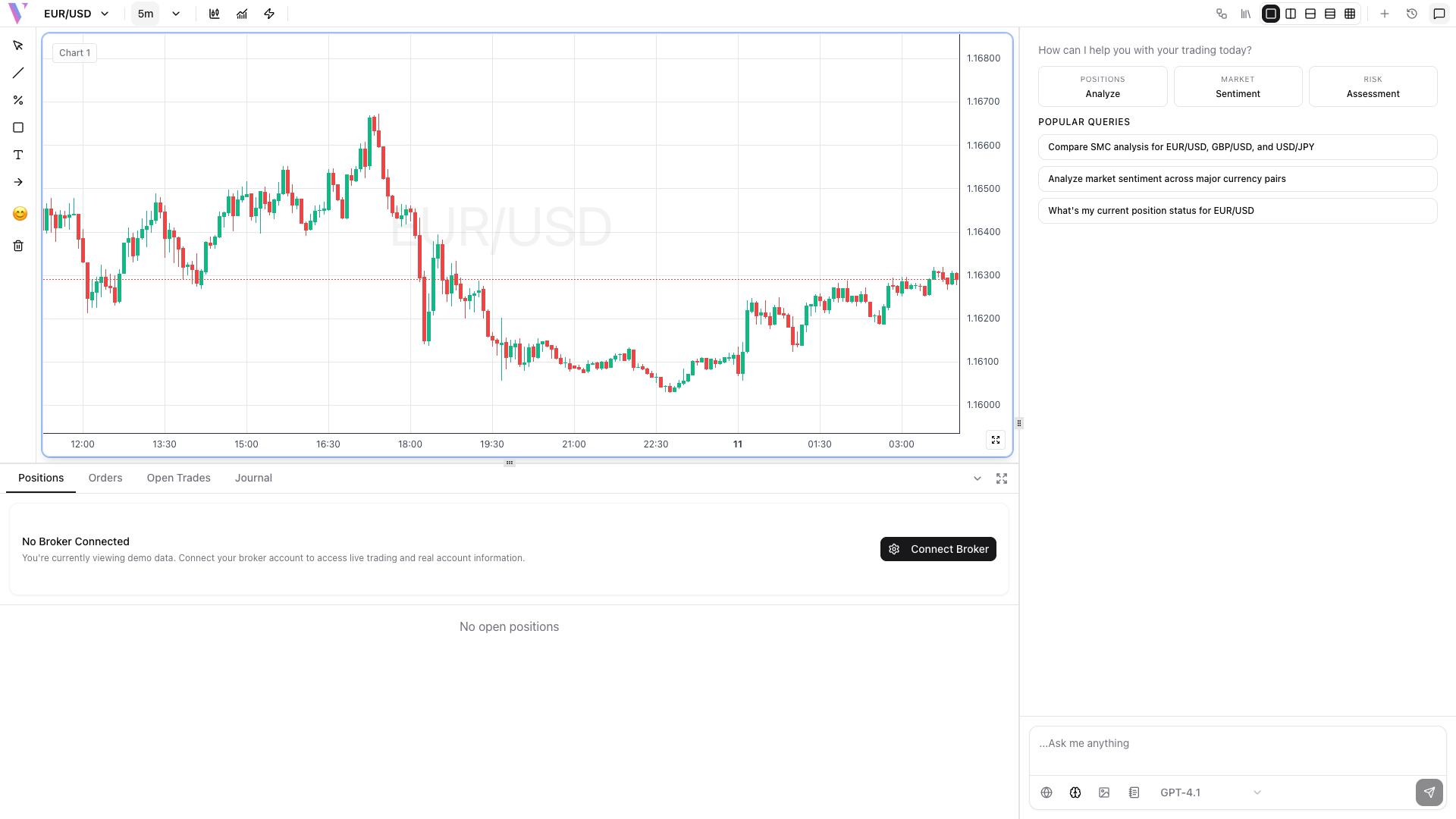
Dynamic Chart Layouts
Multi-chart configurations for professional-grade market monitoring.
Step 1 /
Select a Layout
Choose from a variety of split-screen configurations in the header.
Step 2 /
Sync Symbols
Enable symbol syncing to instantly see the same asset across all open timeframes.
Step 3 /
Toggle Chat Panel
Click the icon in the top right of the header to hide/show the AI chat panel for more chart space.
Step 4 /
Toggle Bottom Panel
Click the icon button to expand or collapse the trading positions and orders panel at the bottom. The icon toggles between up and down arrows.