
Documentation Features Guide
Explore the powerful tools and capabilities of VibeTrader. Click on any card to dive deeper into the documentation.
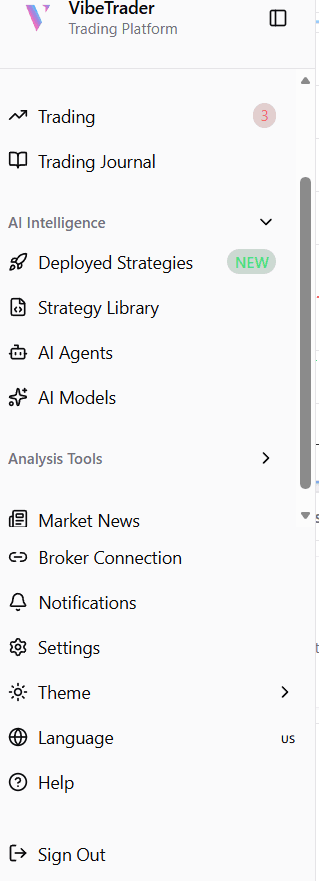
Sidebar Navigation
Learn how to navigate VibeTrader and access all its powerful features from the main sidebar.

AI Agents
Meet the 6 specialized AI agents that power VibeTrader — from technical analysis to trade execution.
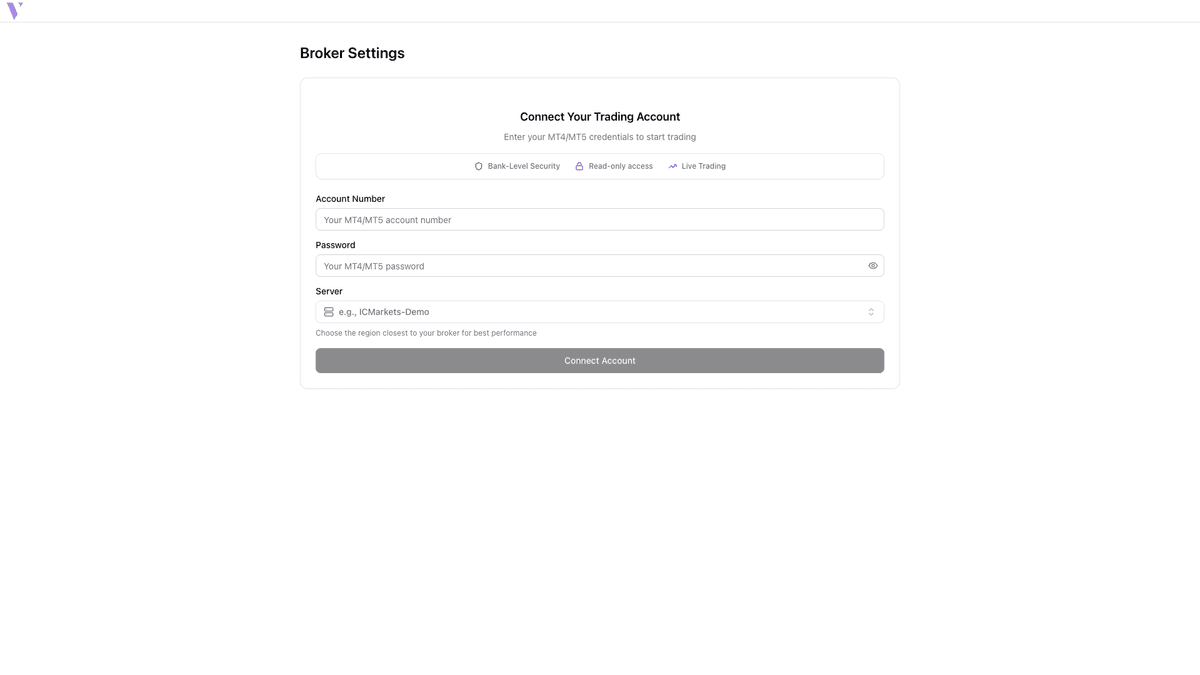
Connect Your Broker
Securely connect your MT4/MT5 trading account to VibeTrader for live trading and account management.
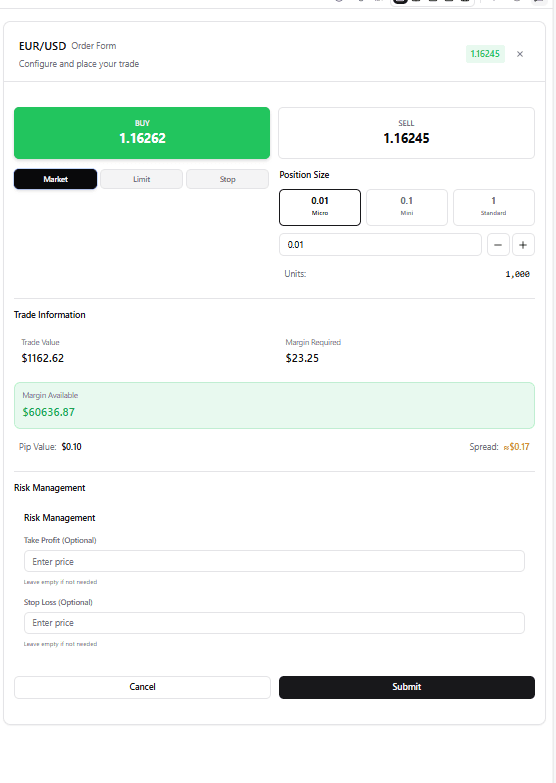
How to Place Trade
Complete guide on executing manual and AI-assisted trades with precision and speed.
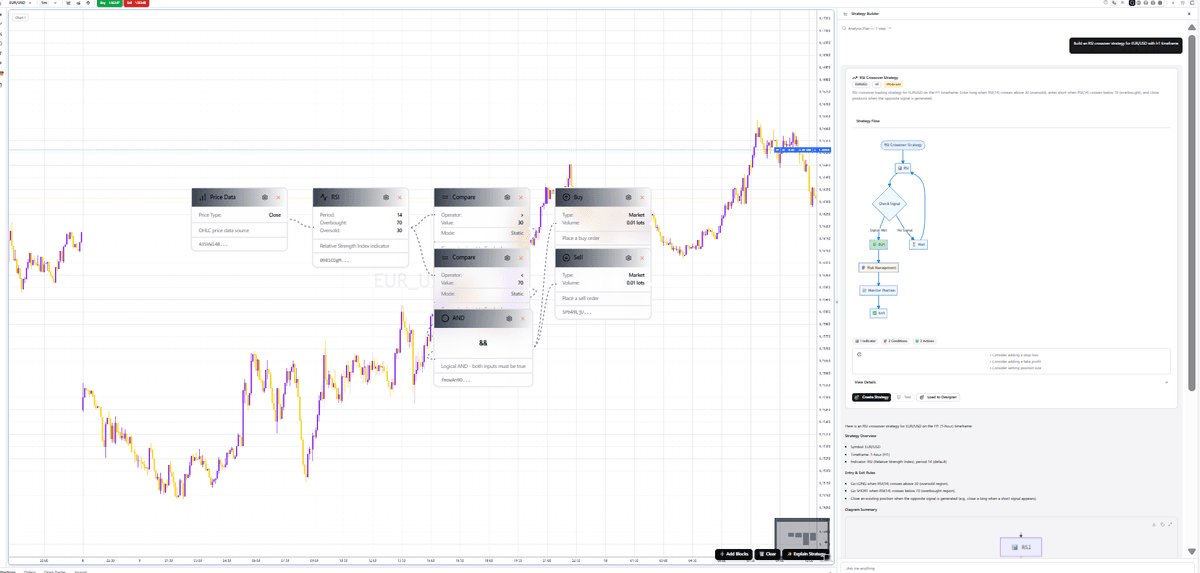
Strategy Builder
Create, test, and deploy complex trading strategies using our intuitive visual builder.
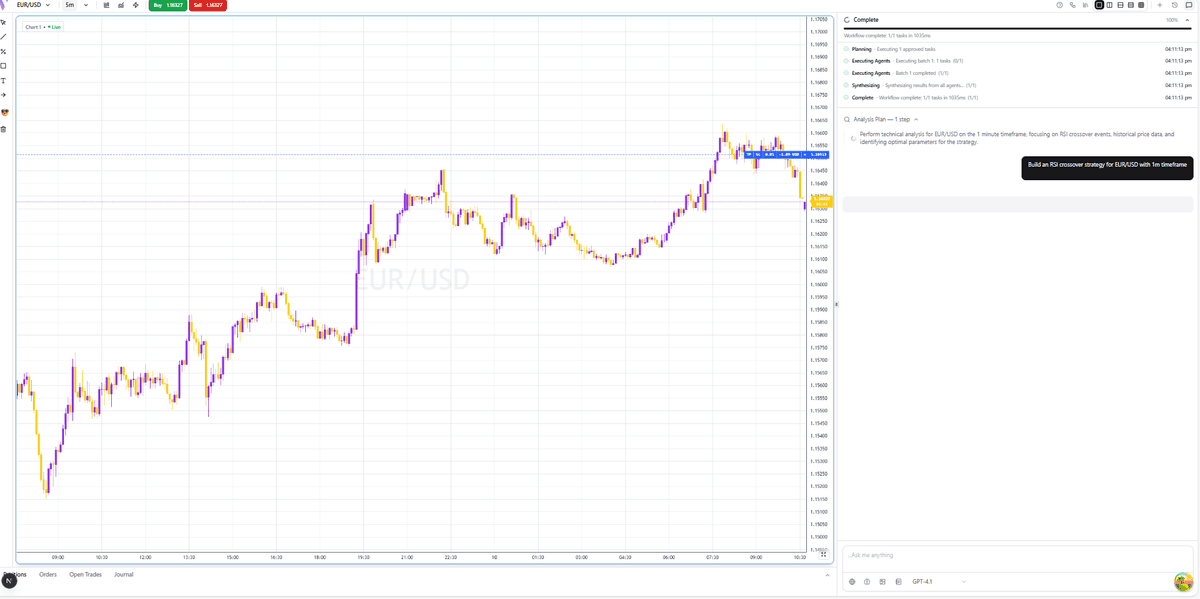
Interactive Chart Components
Deep dive into our high-performance interactive charts and data visualization tools.
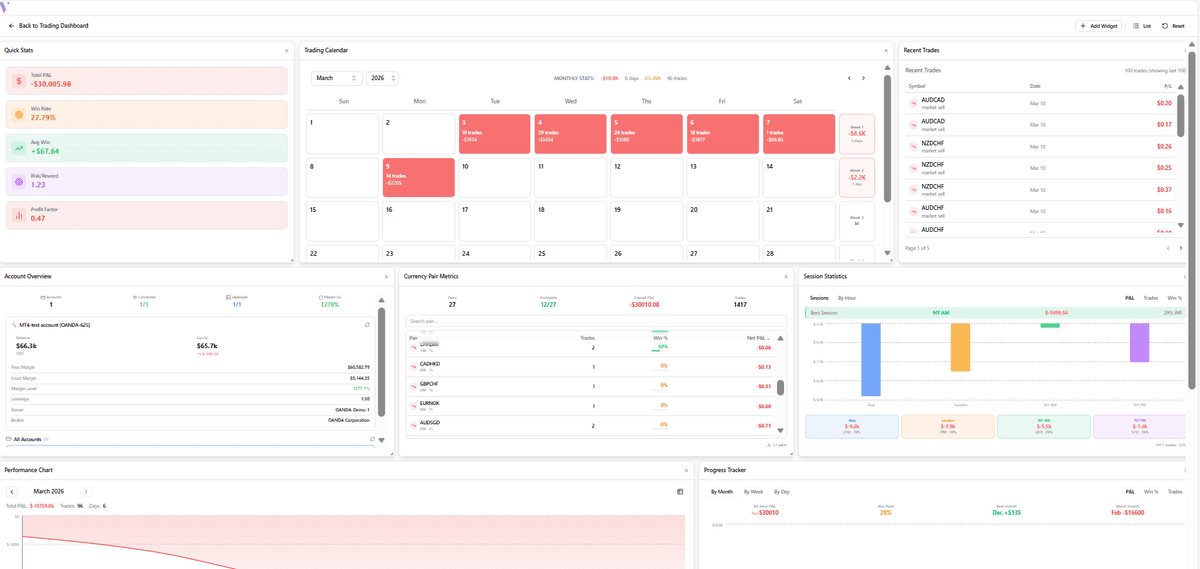
Trading Journal
Analyze your historical performance and keep track of your trading psychology.
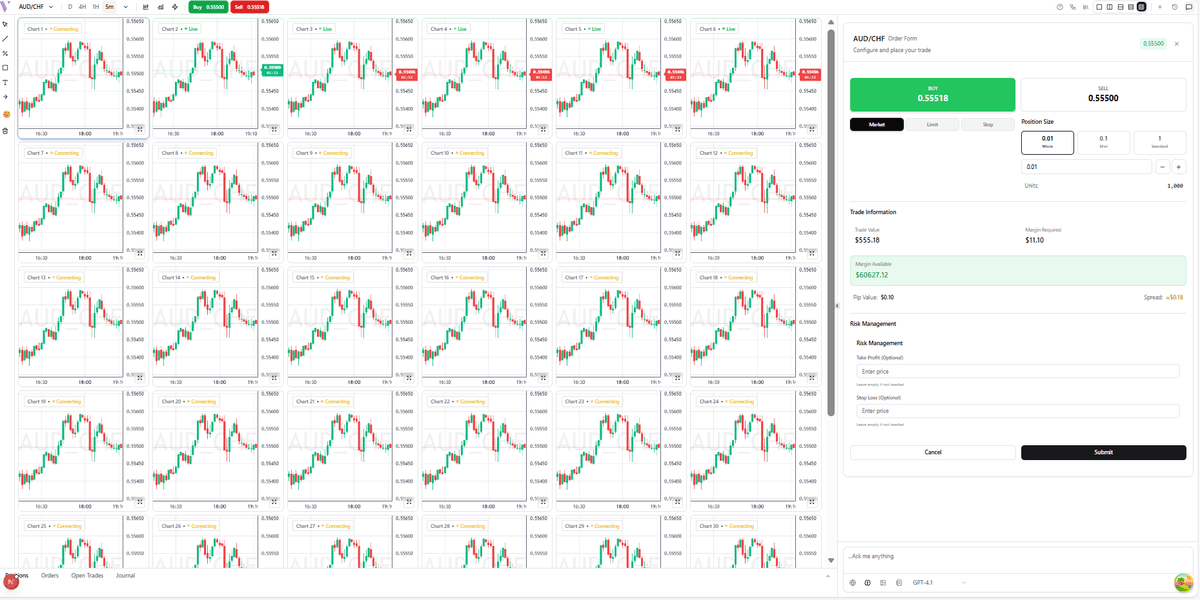
Dynamic Chart Layouts
Customize your workspace with modular, dynamic chart layouts for multi-asset analysis.
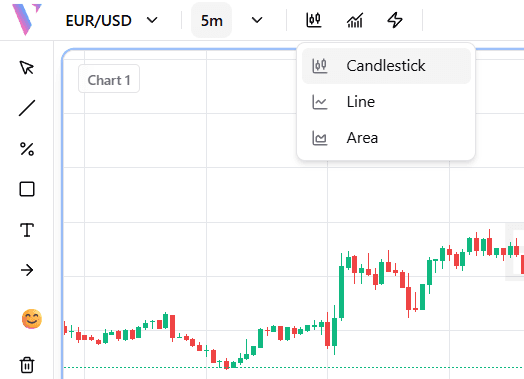
How to View Charts
Switch between Candlestick, Line, and Area chart styles to match your trading style and analysis needs.
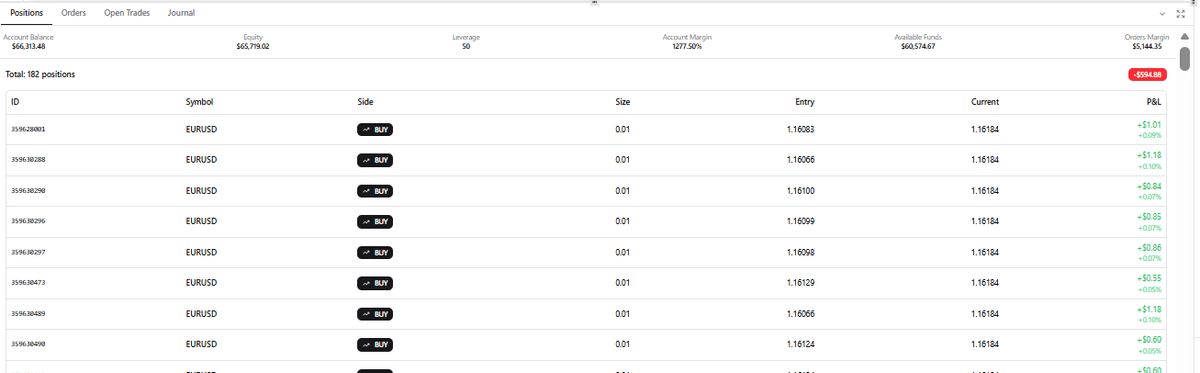
Portfolio Analytics
Advanced metrics and insights into your portfolio's health, risk, and performance.
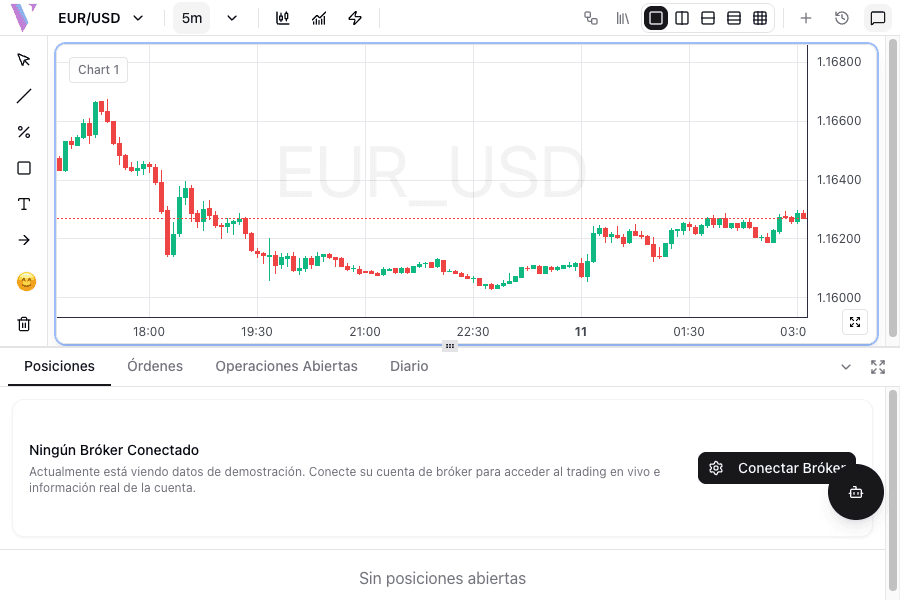
Change Language
Switch the app interface to your preferred language including English, Spanish, and Arabic.
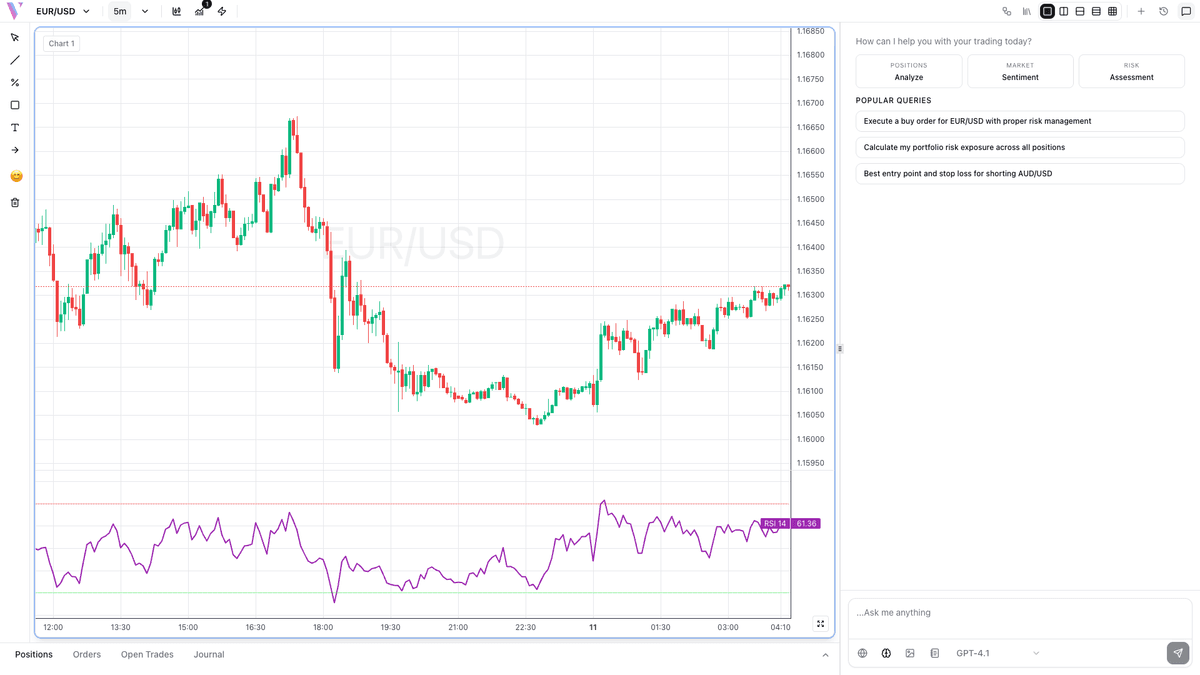
Technical Indicators
Master market analysis with RSI, MACD, Moving Averages and other powerful technical indicators.
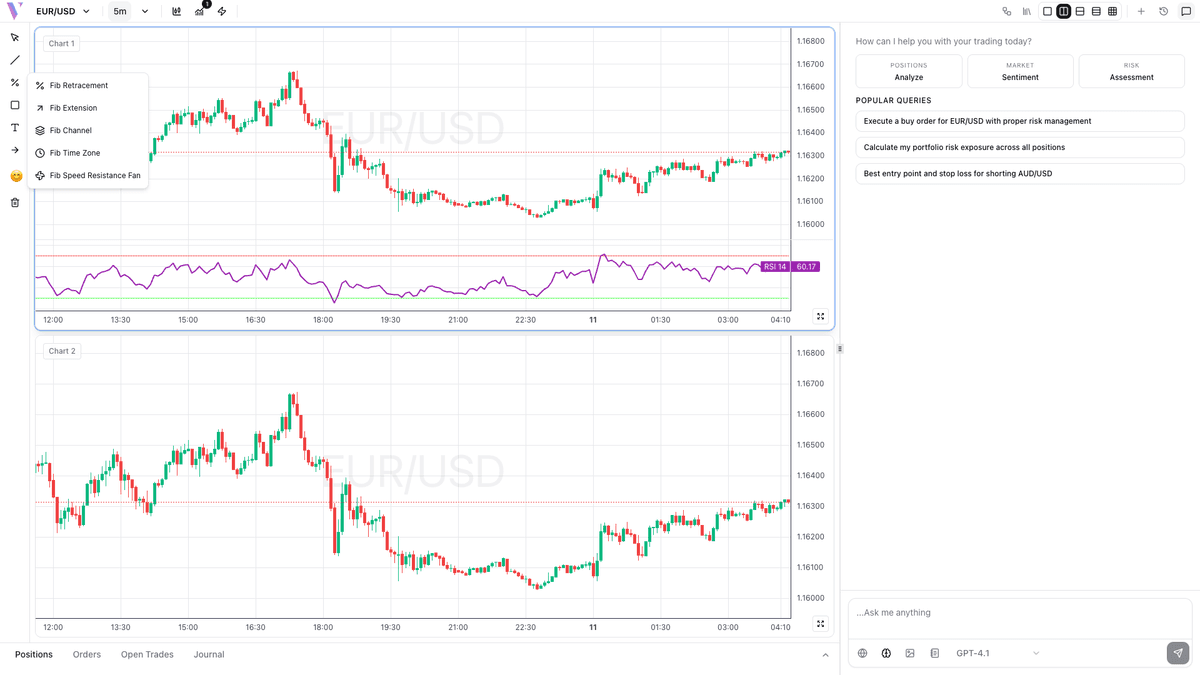
Fibonacci Analysis
Use Fibonacci retracement levels to identify key support and resistance zones.
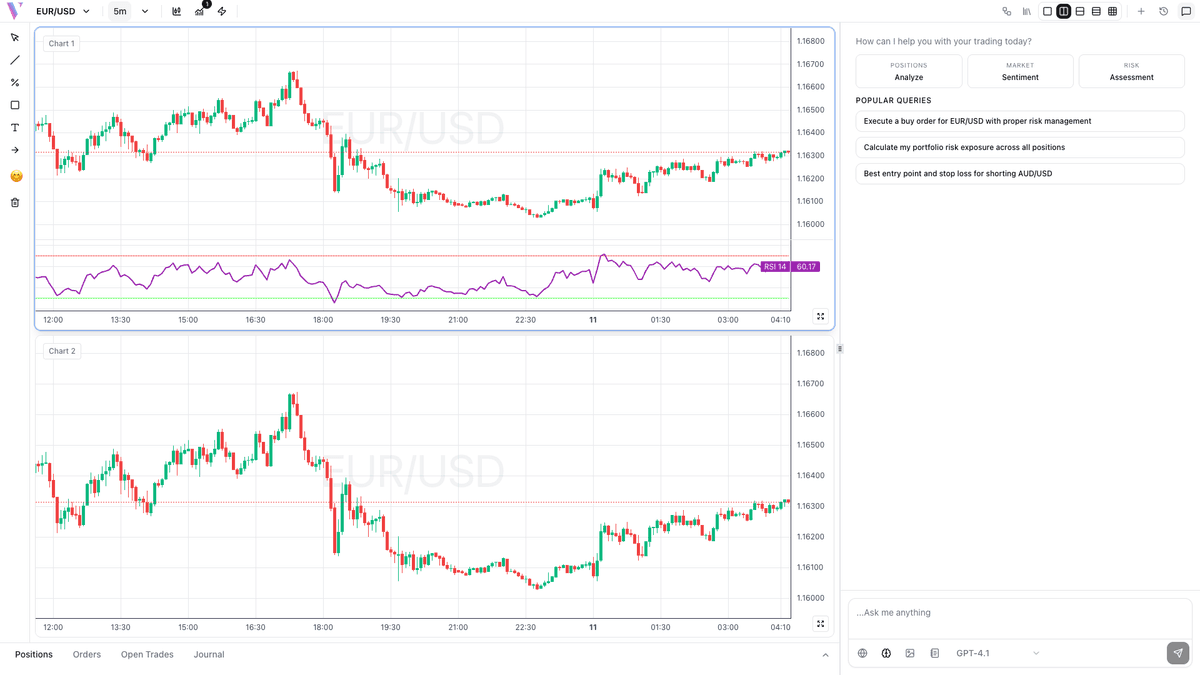
Multi-Chart Setup
Analyze multiple currency pairs or timeframes simultaneously for comprehensive market analysis.
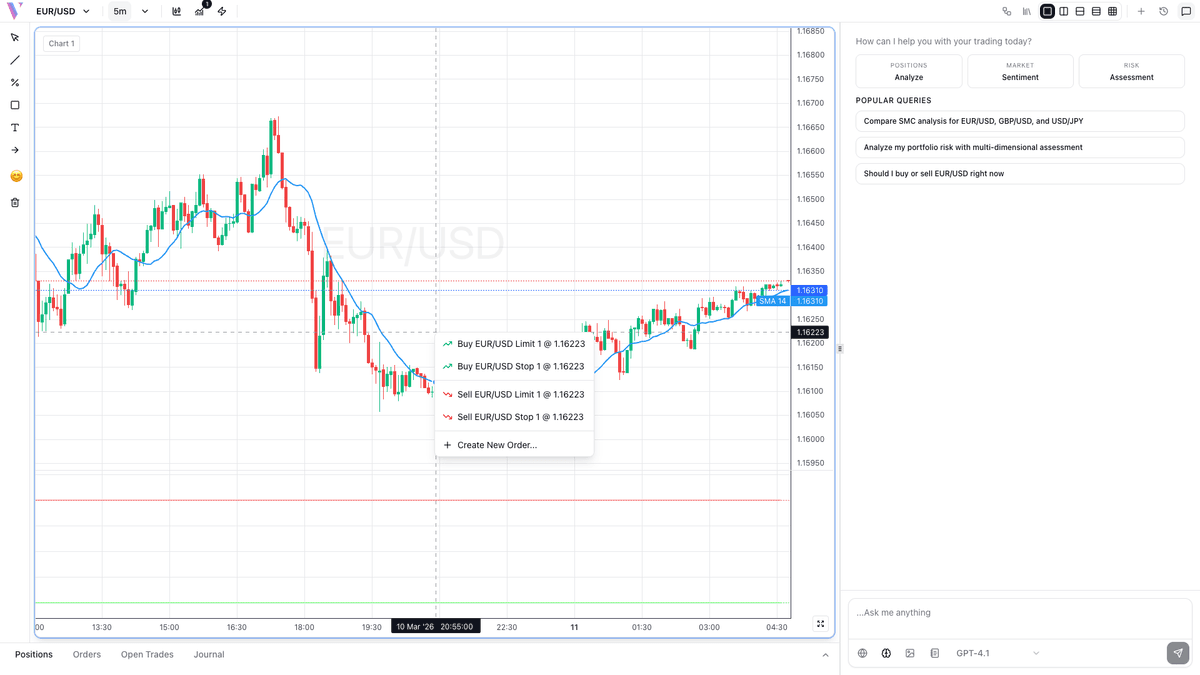
Quick Trade Execution
Execute trades instantly from charts with right-click context menu for lightning-fast orders.
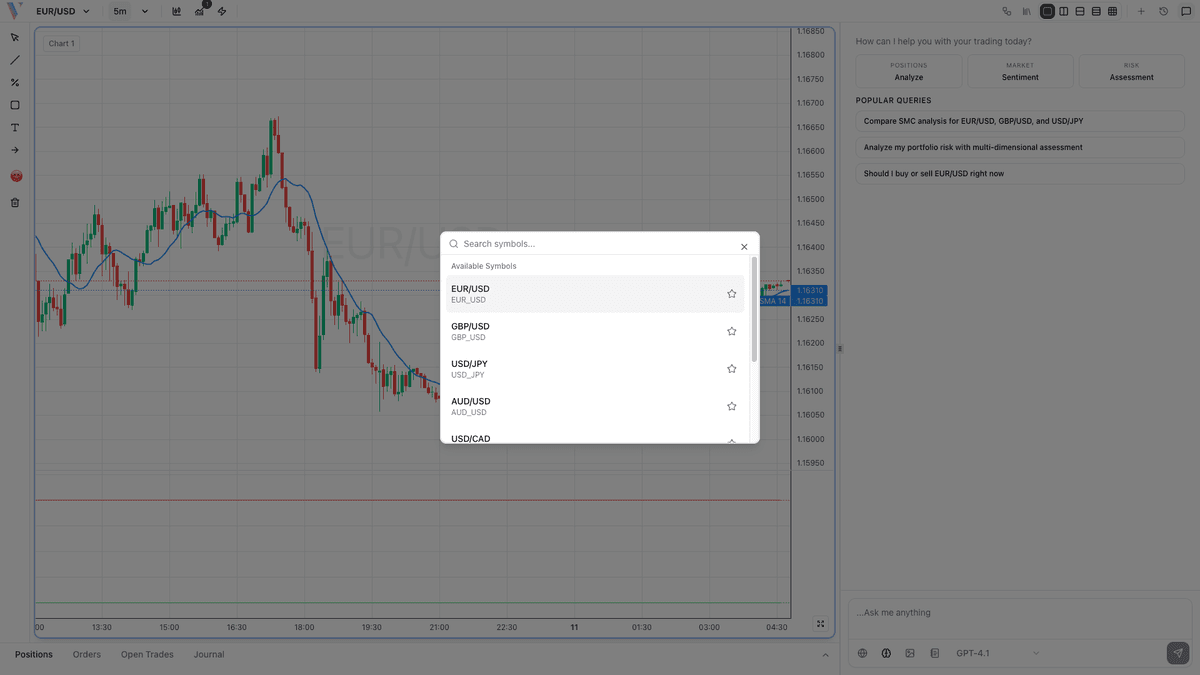
Currency Pairs
Navigate and trade major, minor, and exotic currency pairs with quick access to favorites.