Strategy Builder
Collaborate with AI to transform your ideas into automated trading logic.
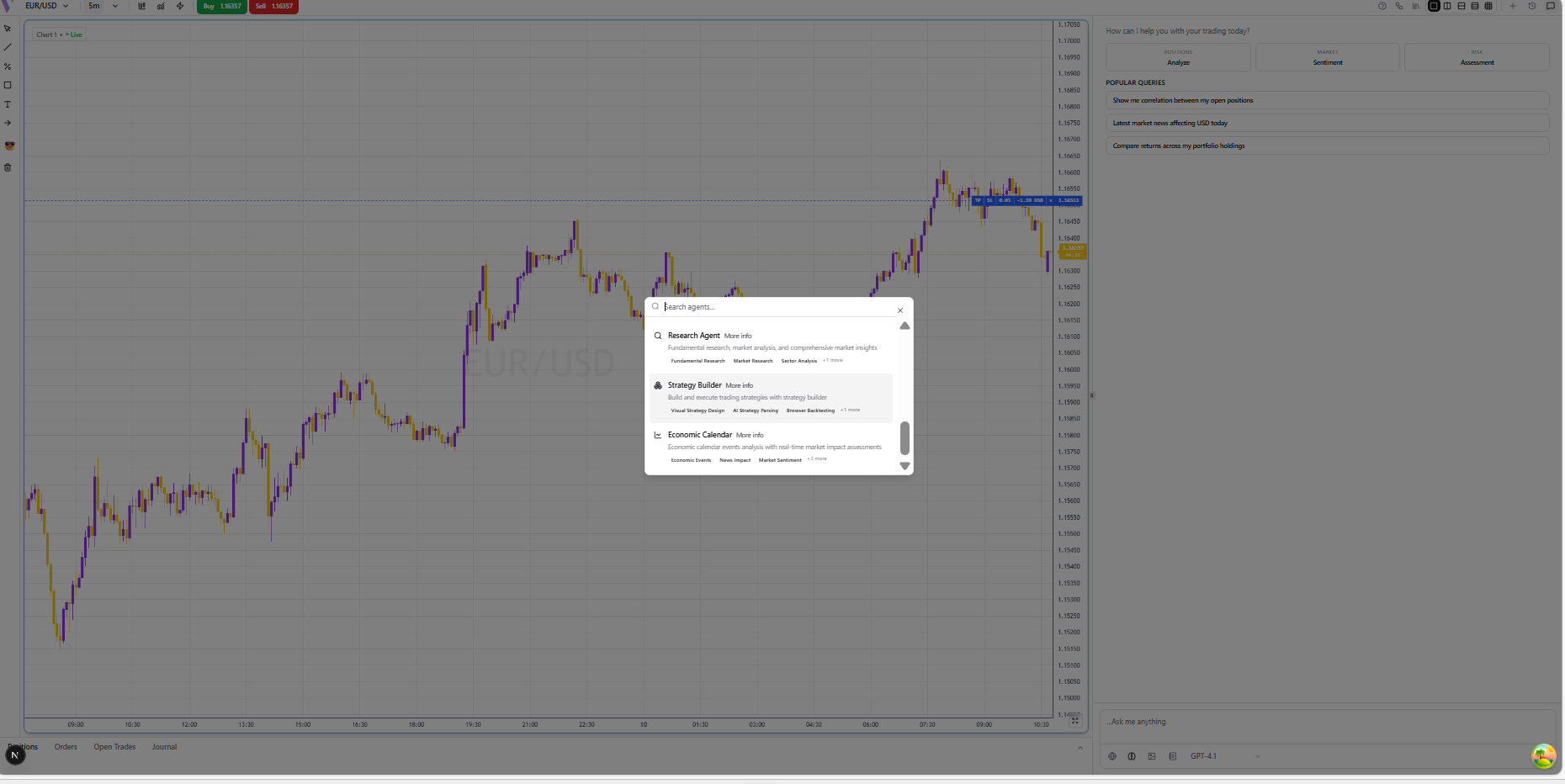
Select Strategy Builder Agent
Open the AI Assistant and select the 'Strategy Builder' agent from the agent selector at the bottom.
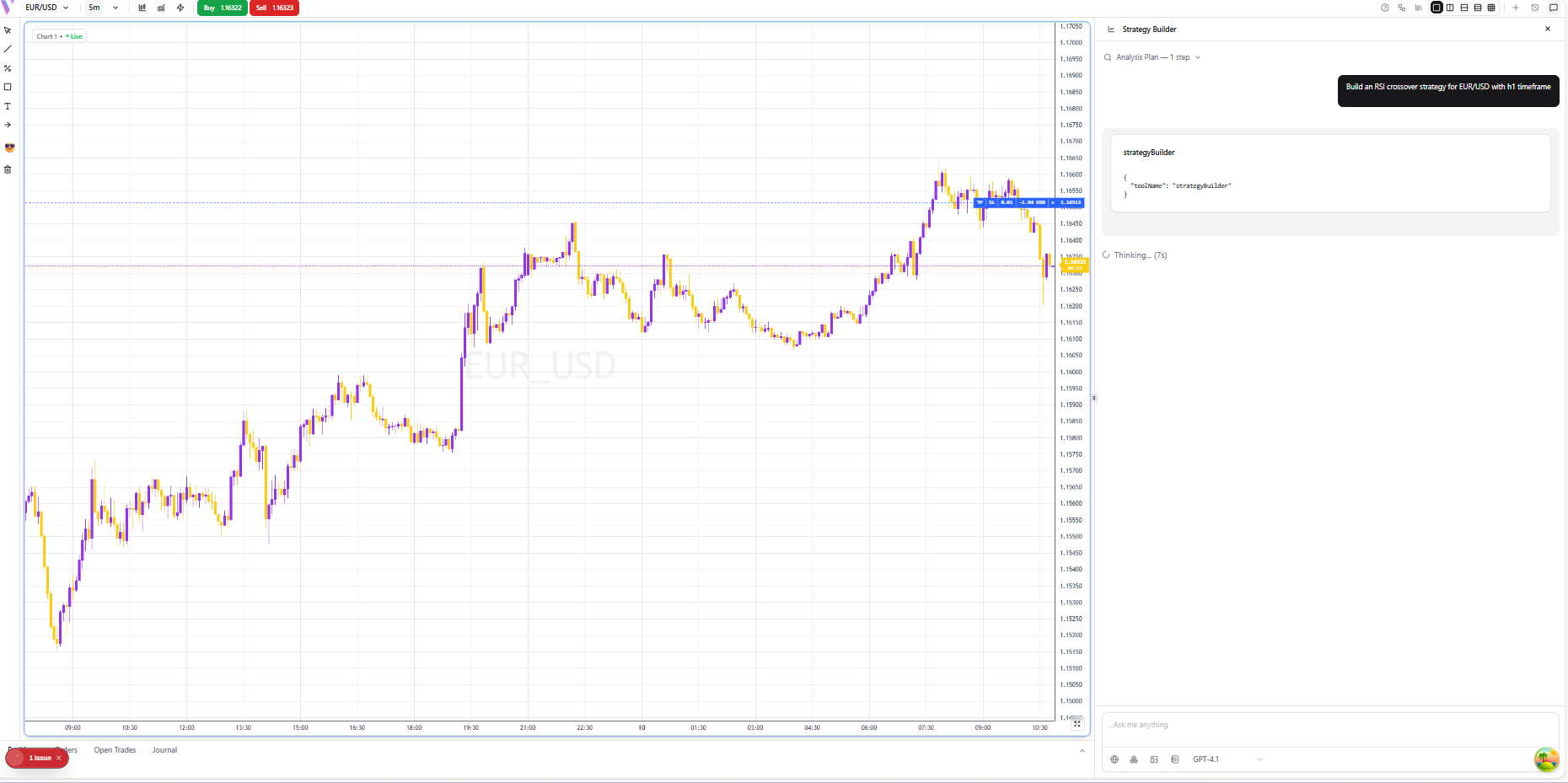
Describe Your Idea
Ask the AI Assistant to draft a strategy for you (e.g., 'Build an RSI crossover strategy for EUR/USD').
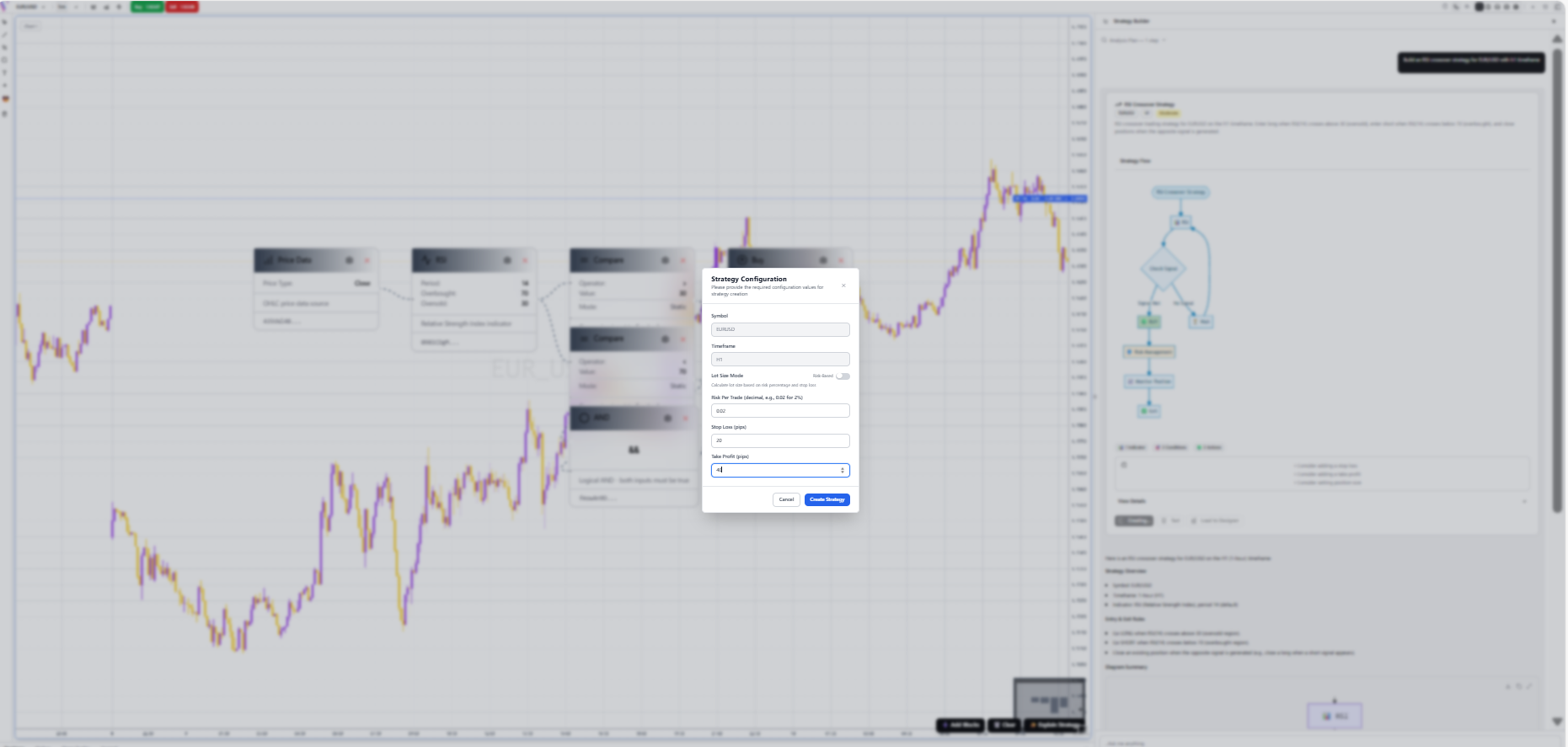
Create,Configure & Save
Click Create Strategy. A configuration modal will appear. Set your Symbol, Timeframe, and Risk parameters before clicking 'Create Strategy'.
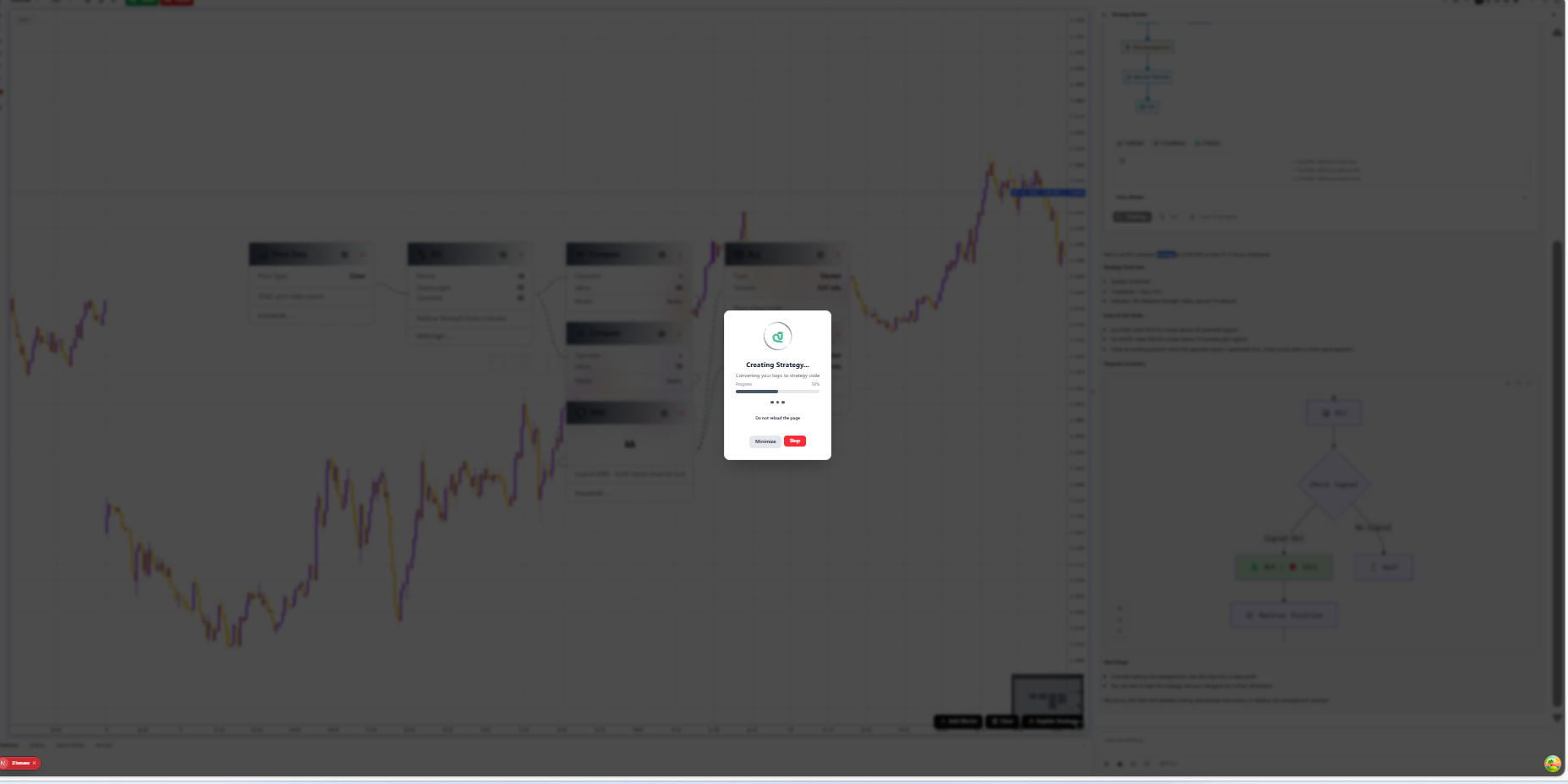
Creation Progress
VibeTrader will now convert your visual logic into high-performance code. Wait for the progress bar to complete.
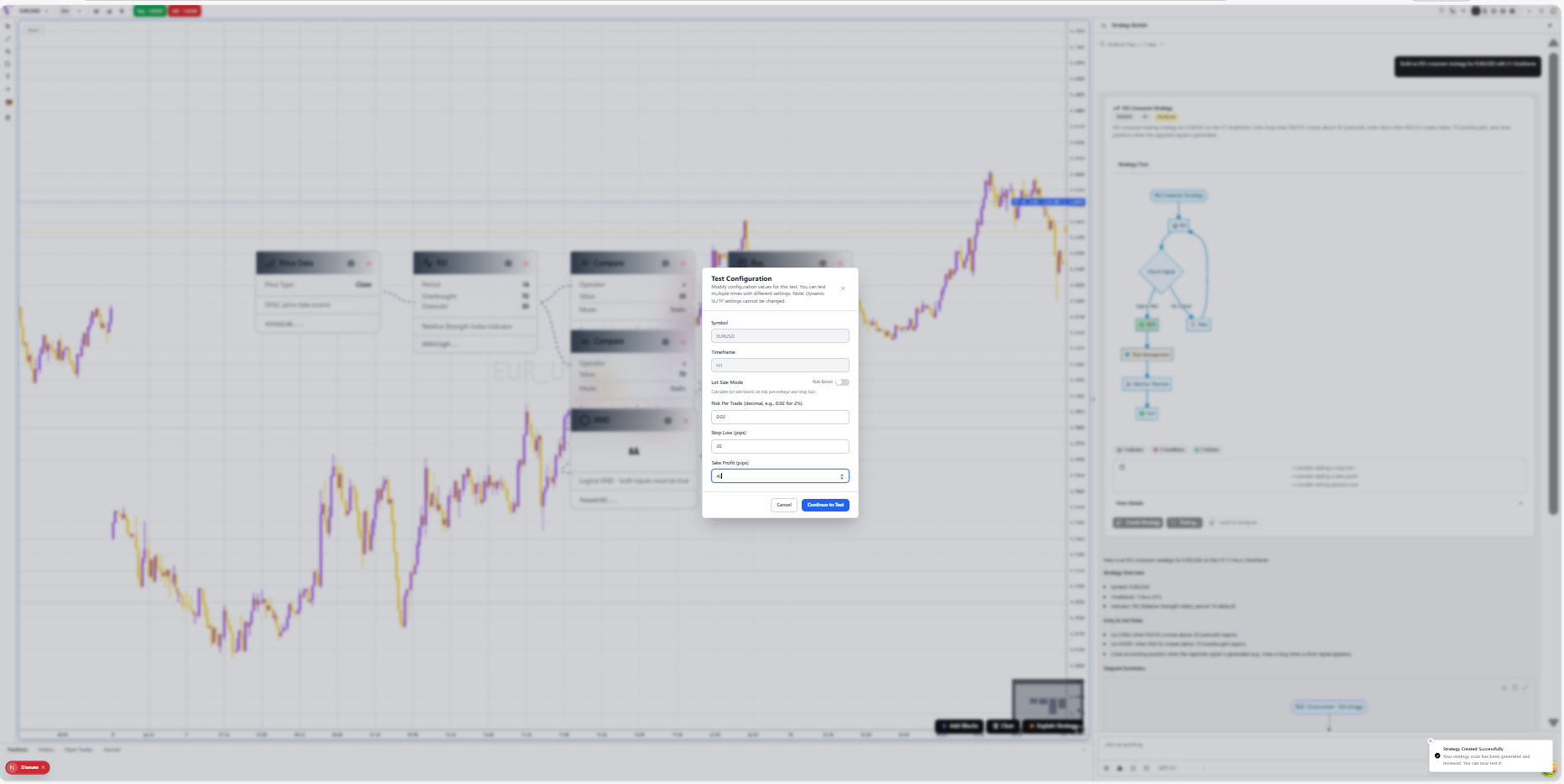
Configure Test
Click 'Test' and set your backtest parameters in the 'Test Configuration' modal, such as risk per trade and pips.
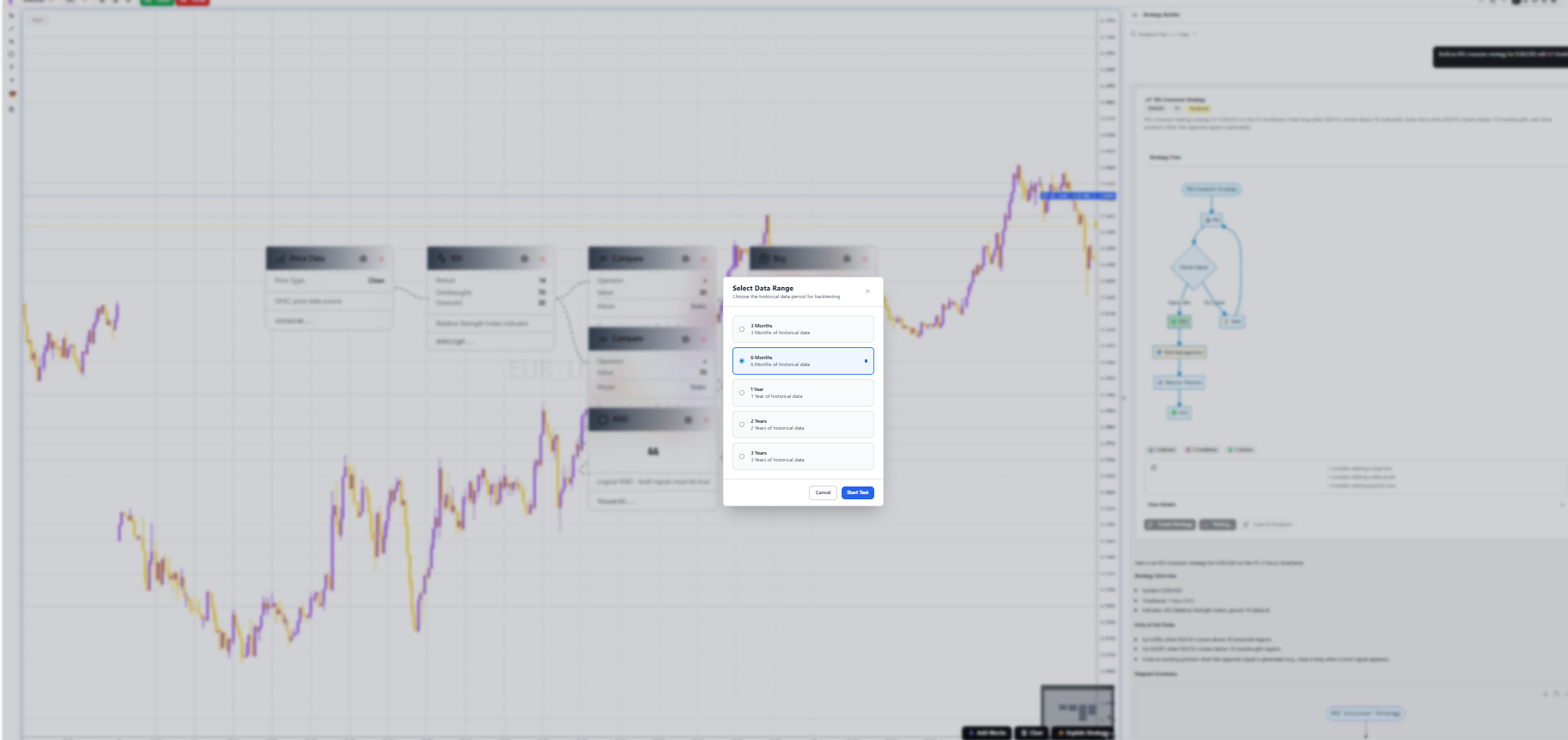
Select Data Range
Choose the historical data period for backtesting (e.g., 3 months, 1 year) to see how your strategy performs over time.
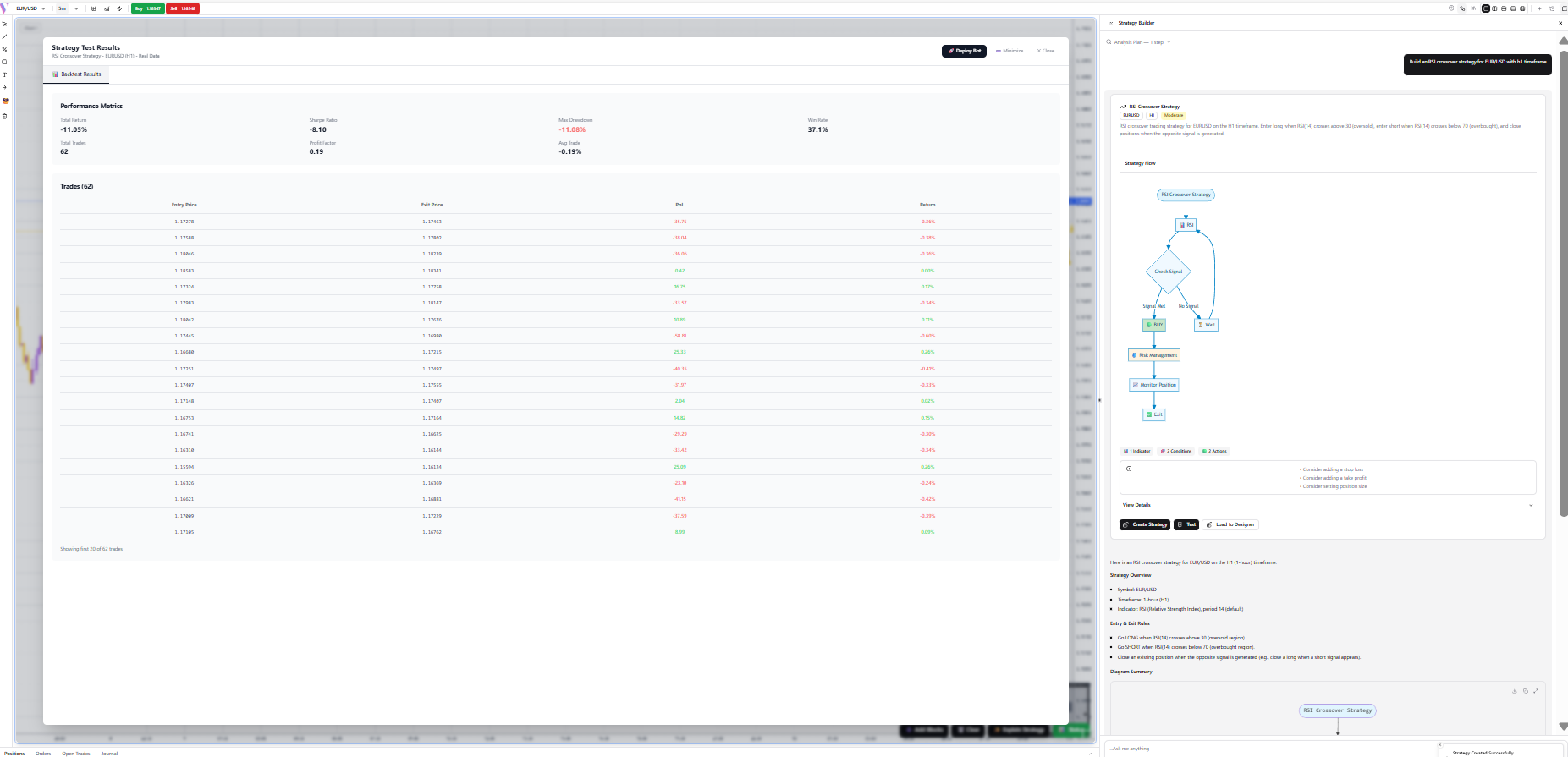
Analyze Performance
Review the high-fidelity backtest results, including profit factor, drawdown, and equity curve.
Deploy Bot
Once you are satisfied with the results, click 'Deploy Bot' to initiate the final rollout.

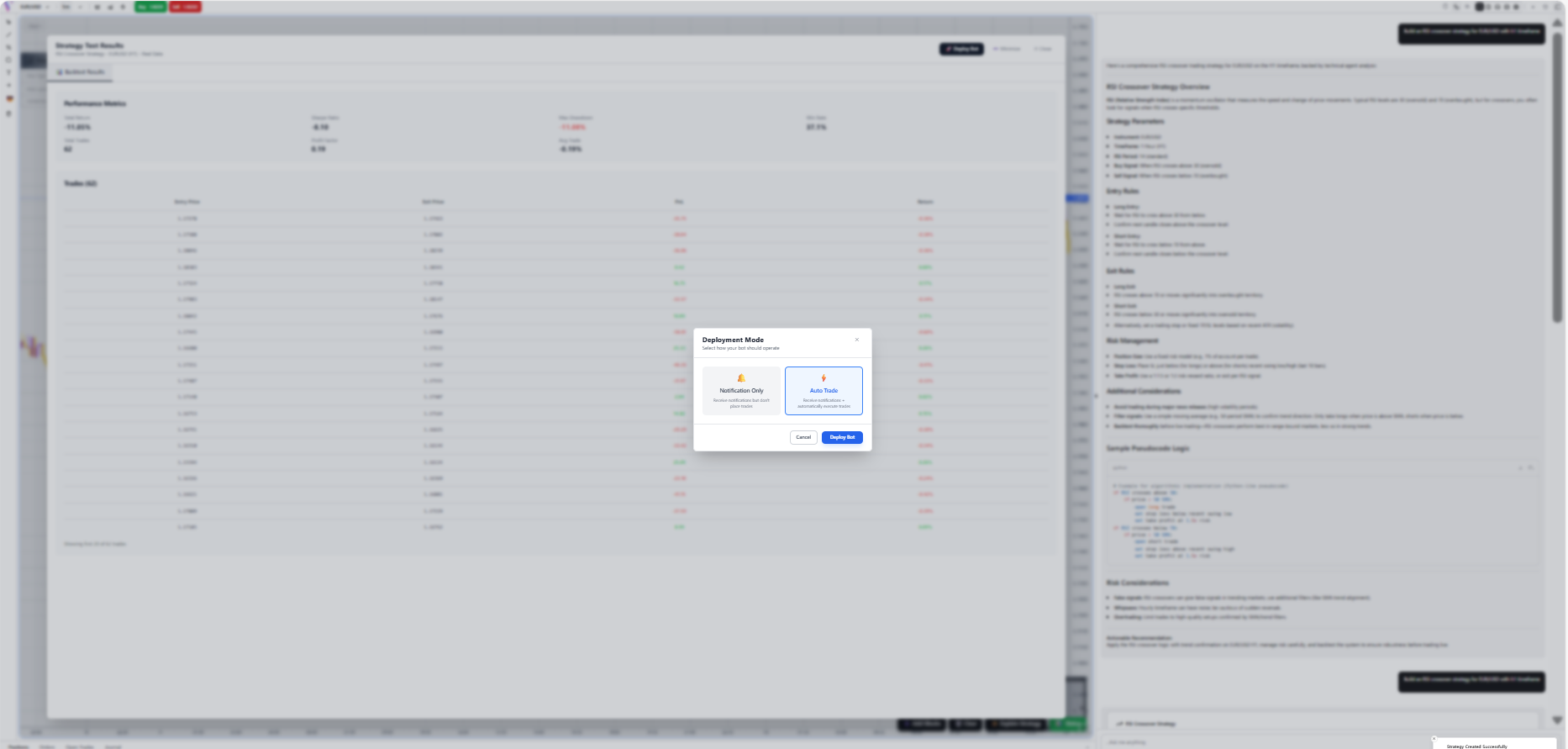
Choose Deployment Mode
Select between 'Notification Only' (receive alerts) or 'Auto Trade' (fully automated execution) from the Deployment Mode modal.
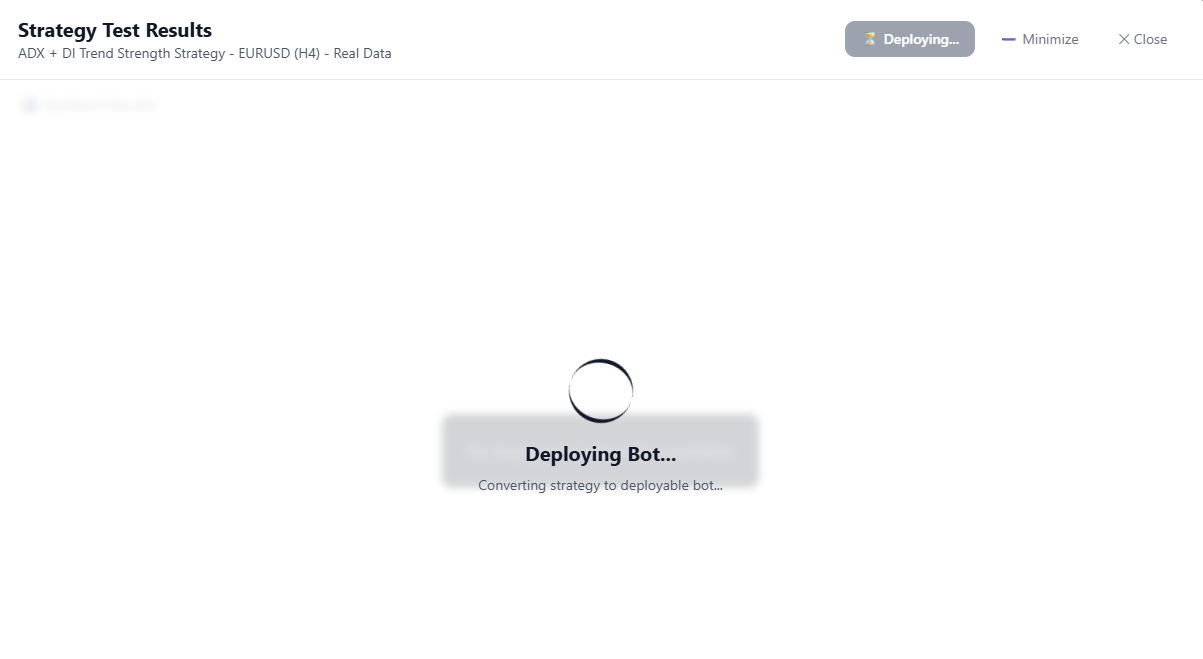
Deploying Bot...
VibeTrader is now provisioning your automated bot on the server. This take a few seconds as the code is compiled and secured.
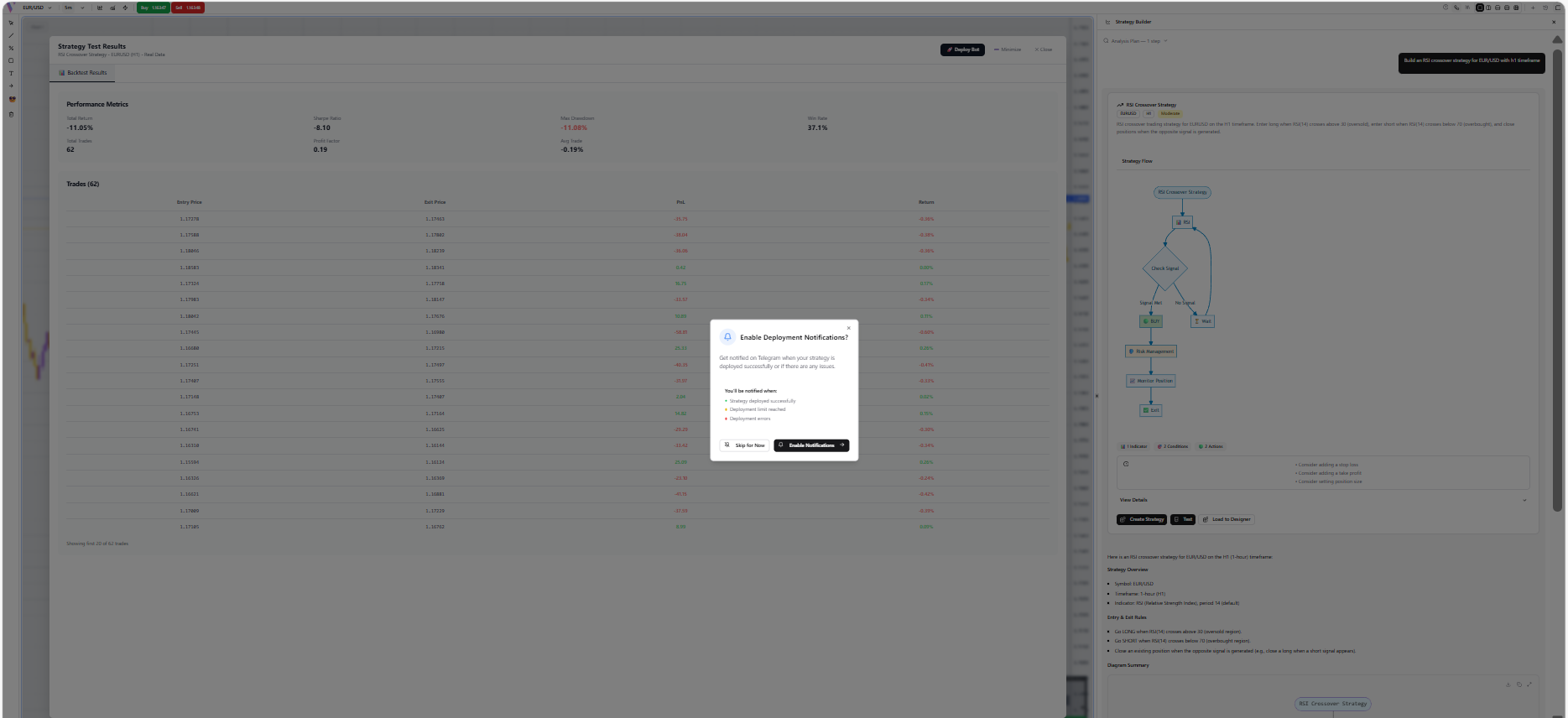
Enable Notifications
Optionally enable Telegram notifications to receive real-time alerts on your strategy performance and execution status.
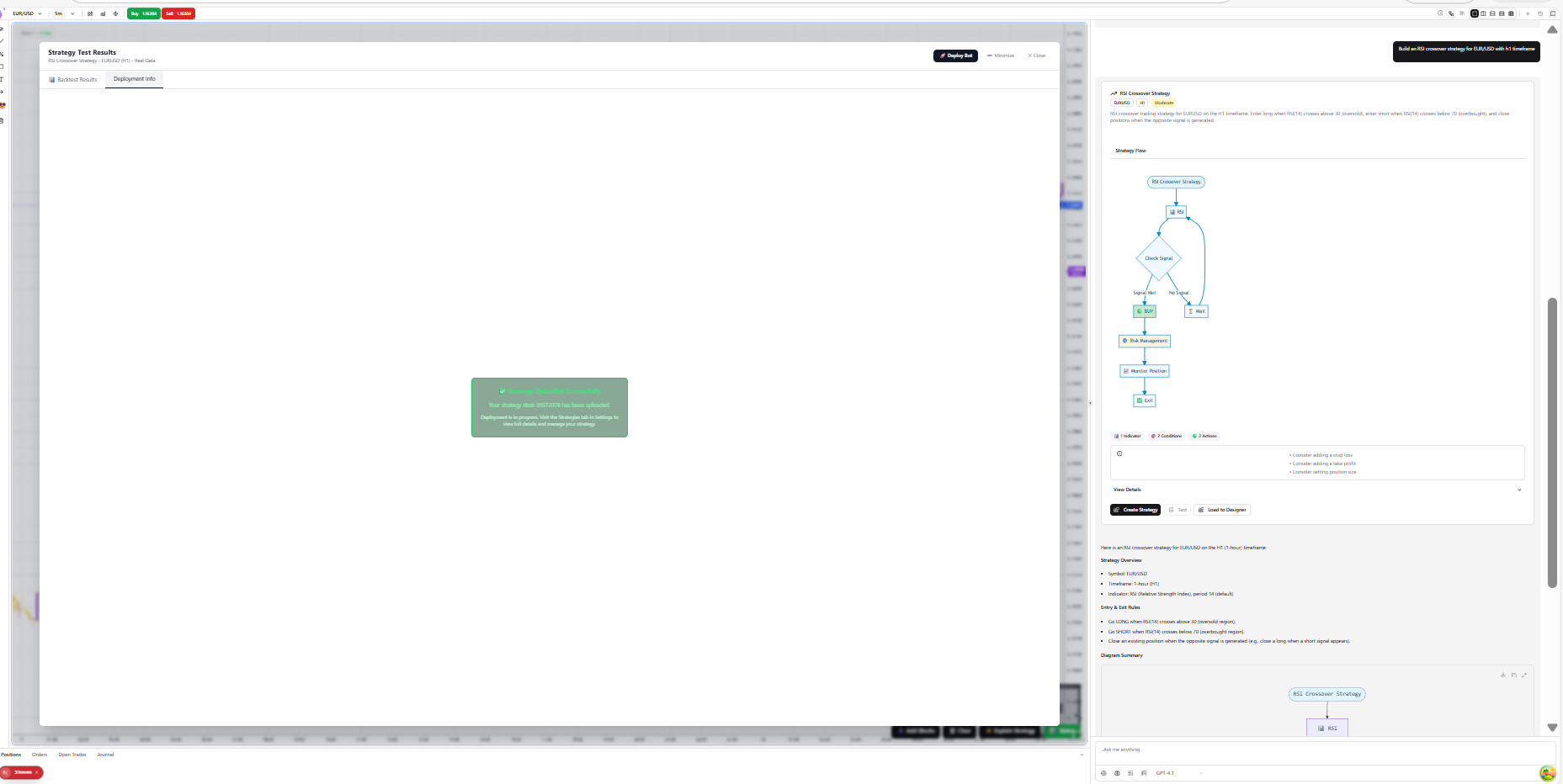
Success!
Your strategy is now live and running. You can monitor its performance in real-time from the dashboard.