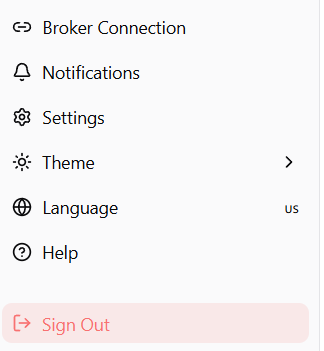
Sidebar Navigation
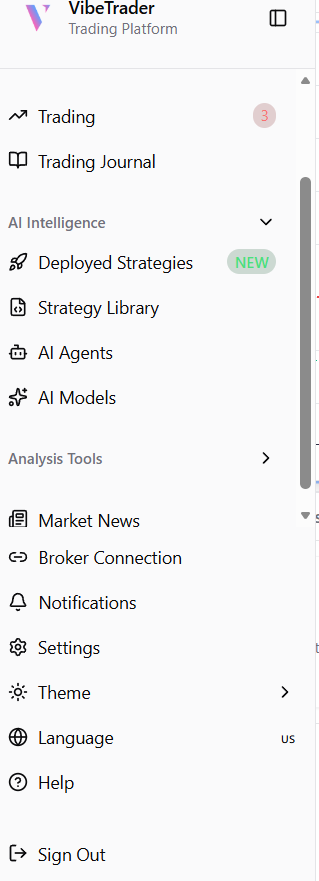
The VibeTrader sidebar is your central command center for accessing all the powerful features of the platform.
User Profile Area
At the top, your profile area displays critical account information: your avatar, full name, registered email, current plan, and broker connection status.
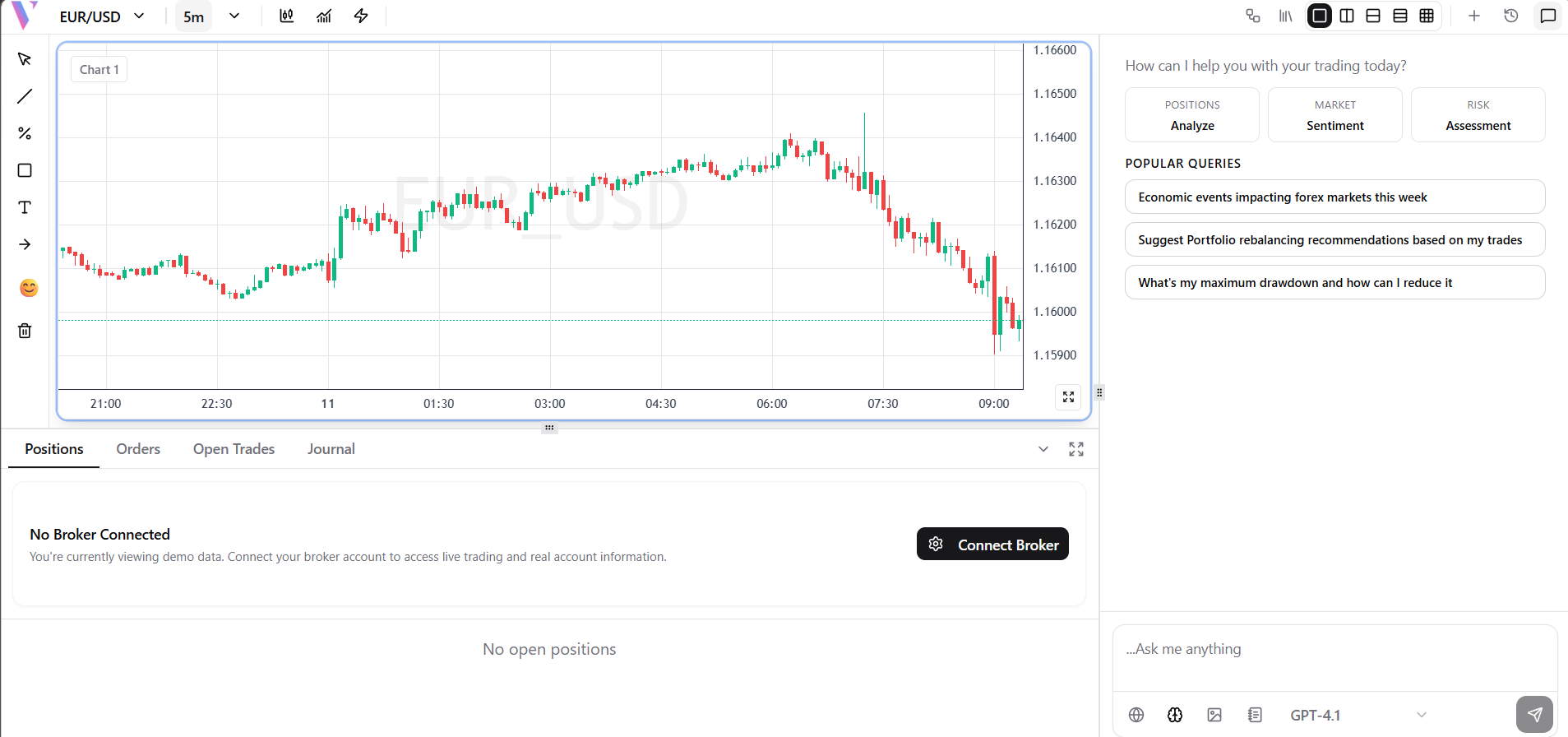
Trading
The core charting interface where you can view charts, execute trades, use drawing tools, and apply technical indicators.
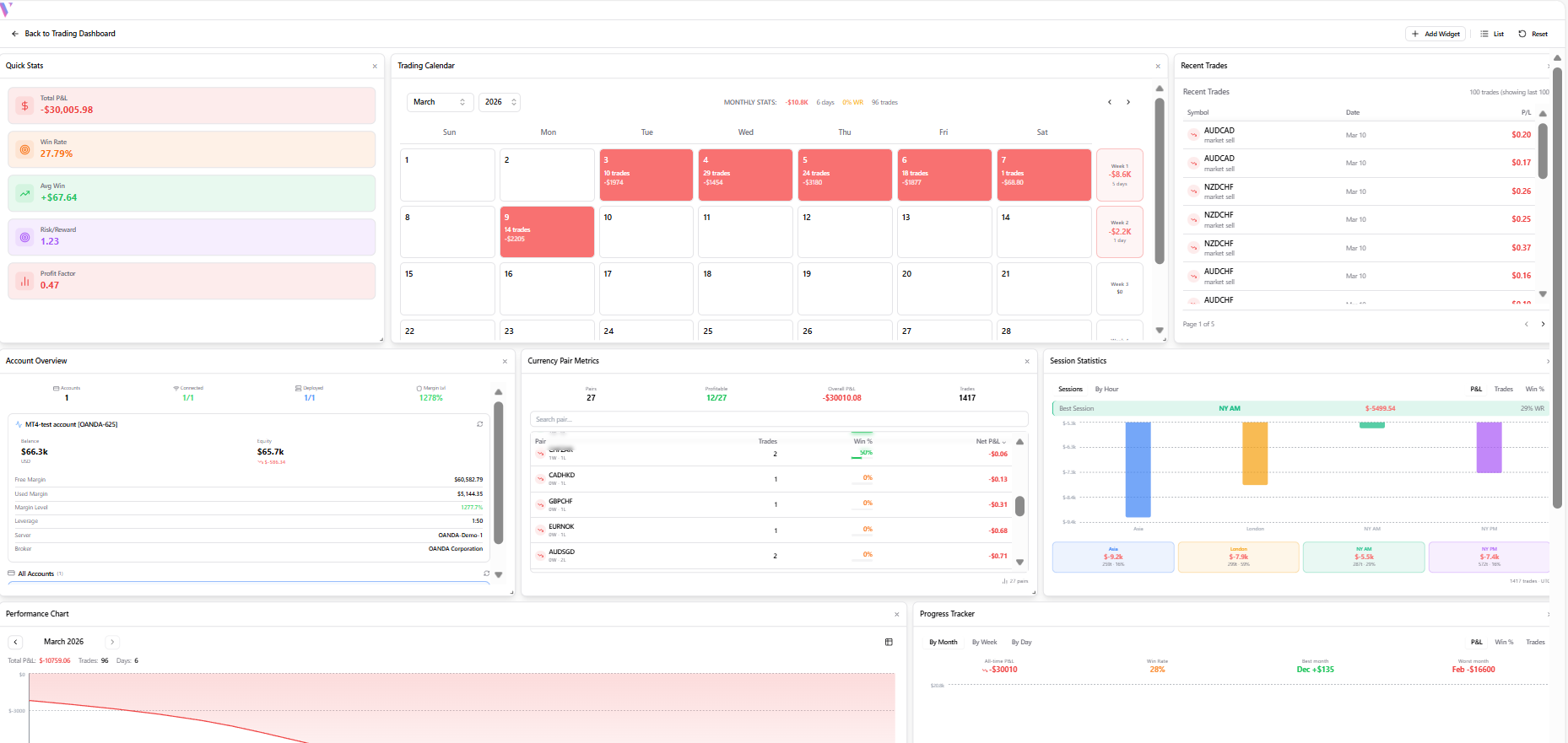
Trading Journal
Automatically logs every trade you execute. Review past trades, analyze win/loss ratios, and add custom notes.
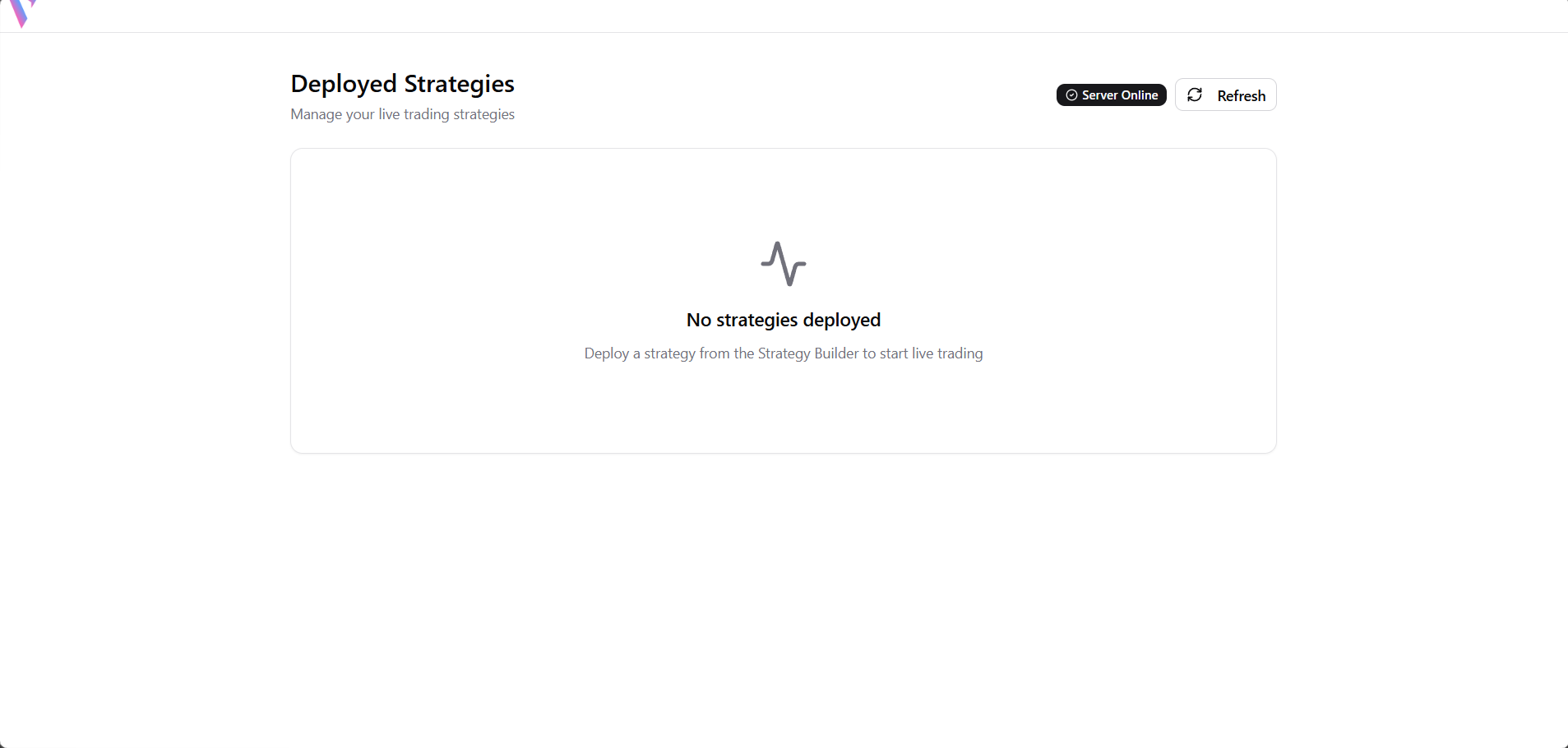
Deployed Strategies
Under AI Intelligence: View and manage all the trading bots you currently have running in production.
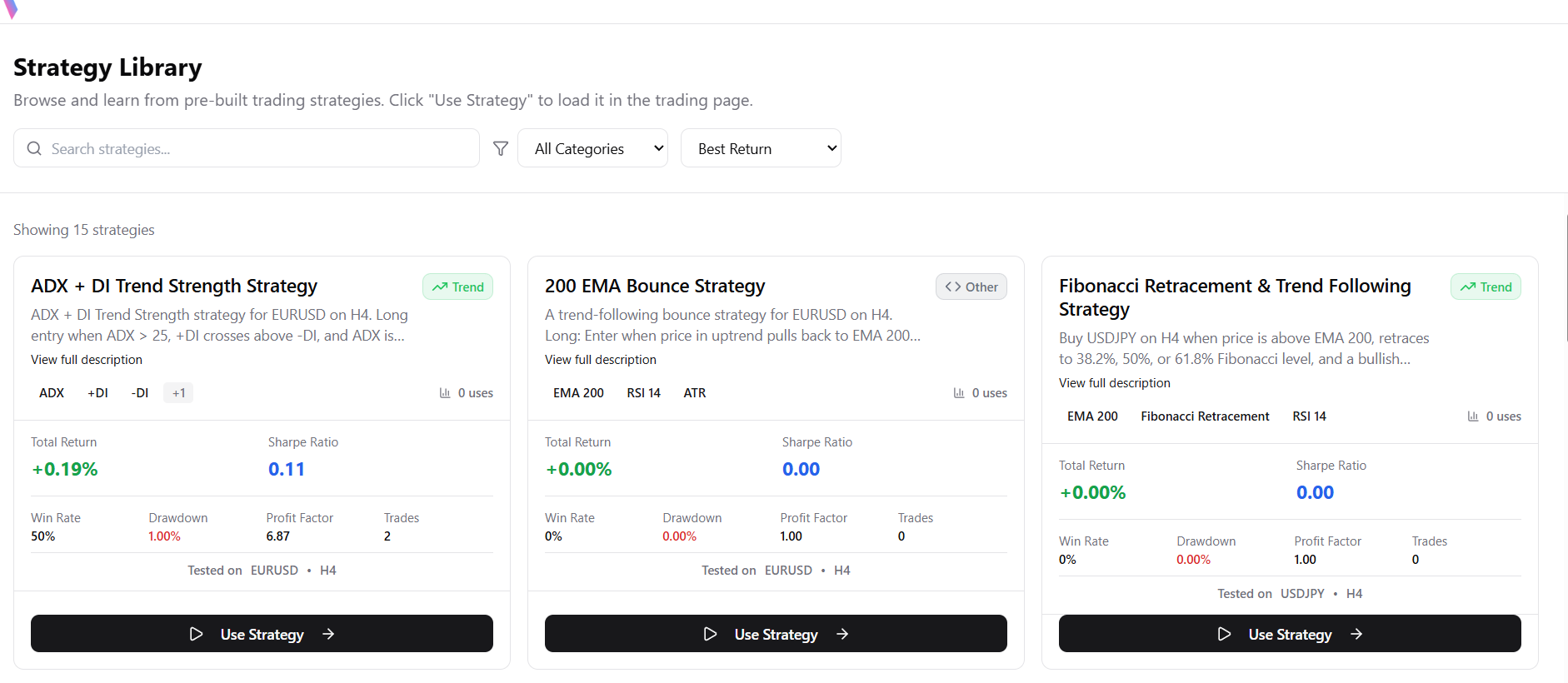
Strategy Library
Under AI Intelligence: Create new strategies using the AI Assistant or browse pre-built templates.
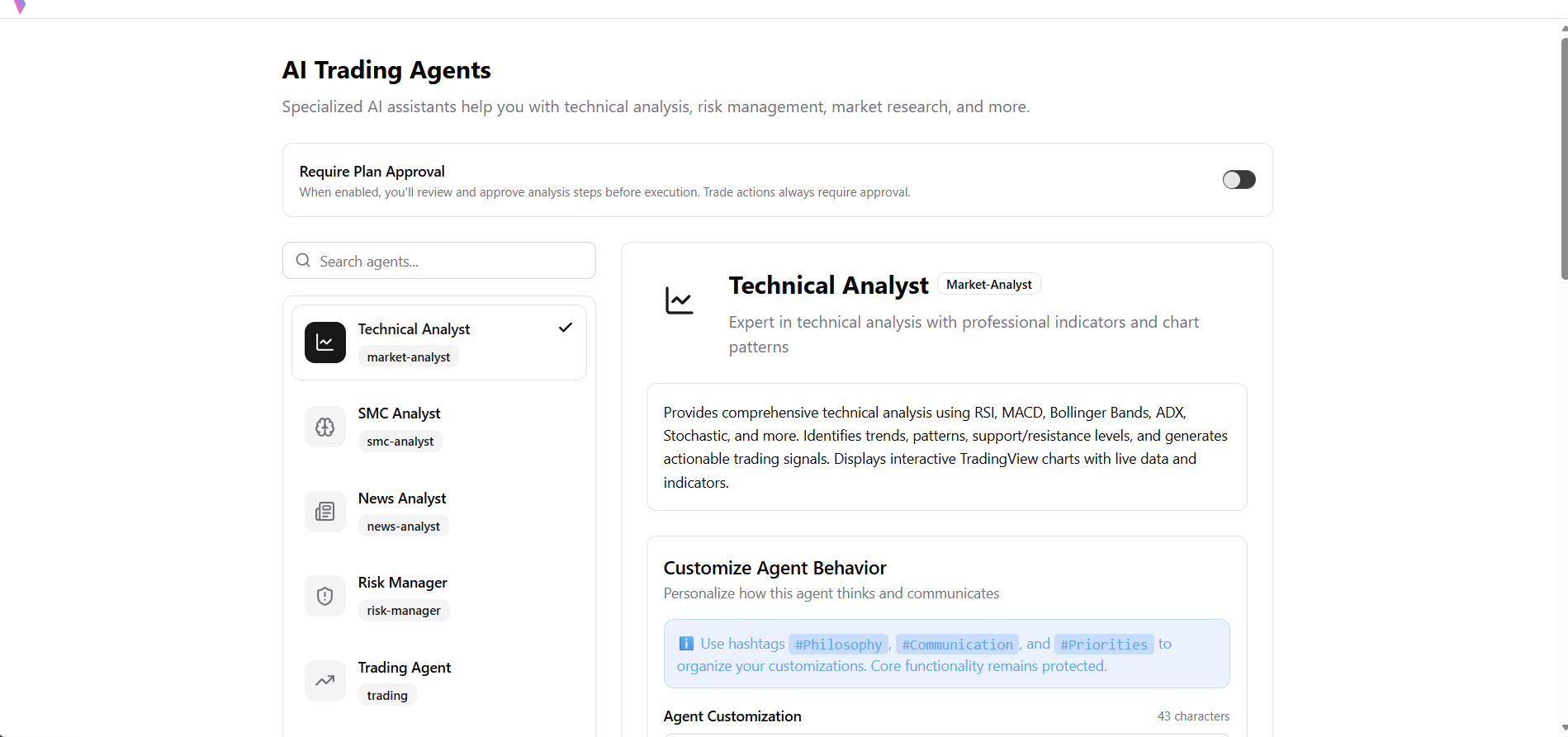
AI Agents
Under AI Intelligence: Interact with specialized AI sub-agents like the Market Analyst or Strategy Builder.
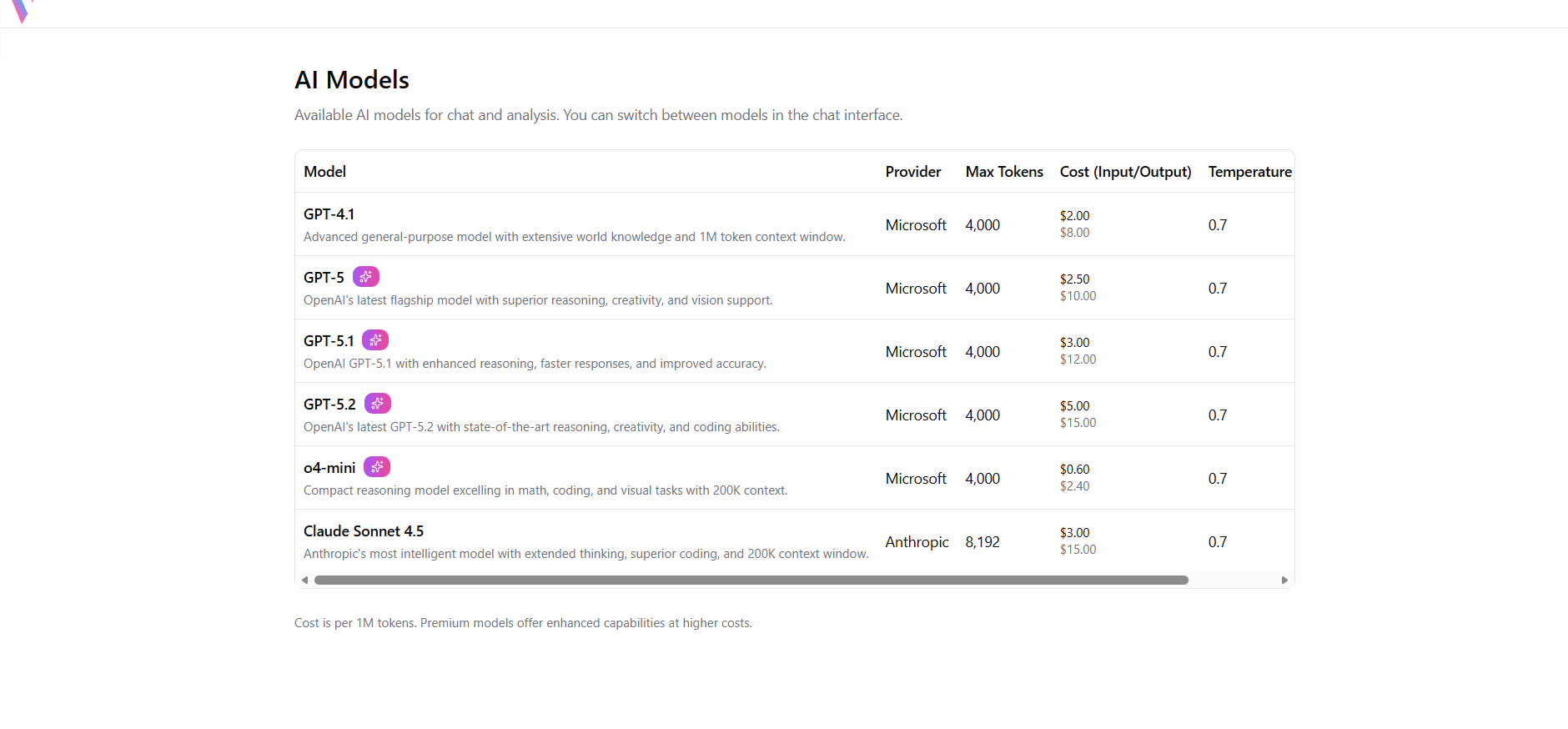
AI Models
Under AI Intelligence: Configure the underlying Large Language Models (LLMs) that power your agents.
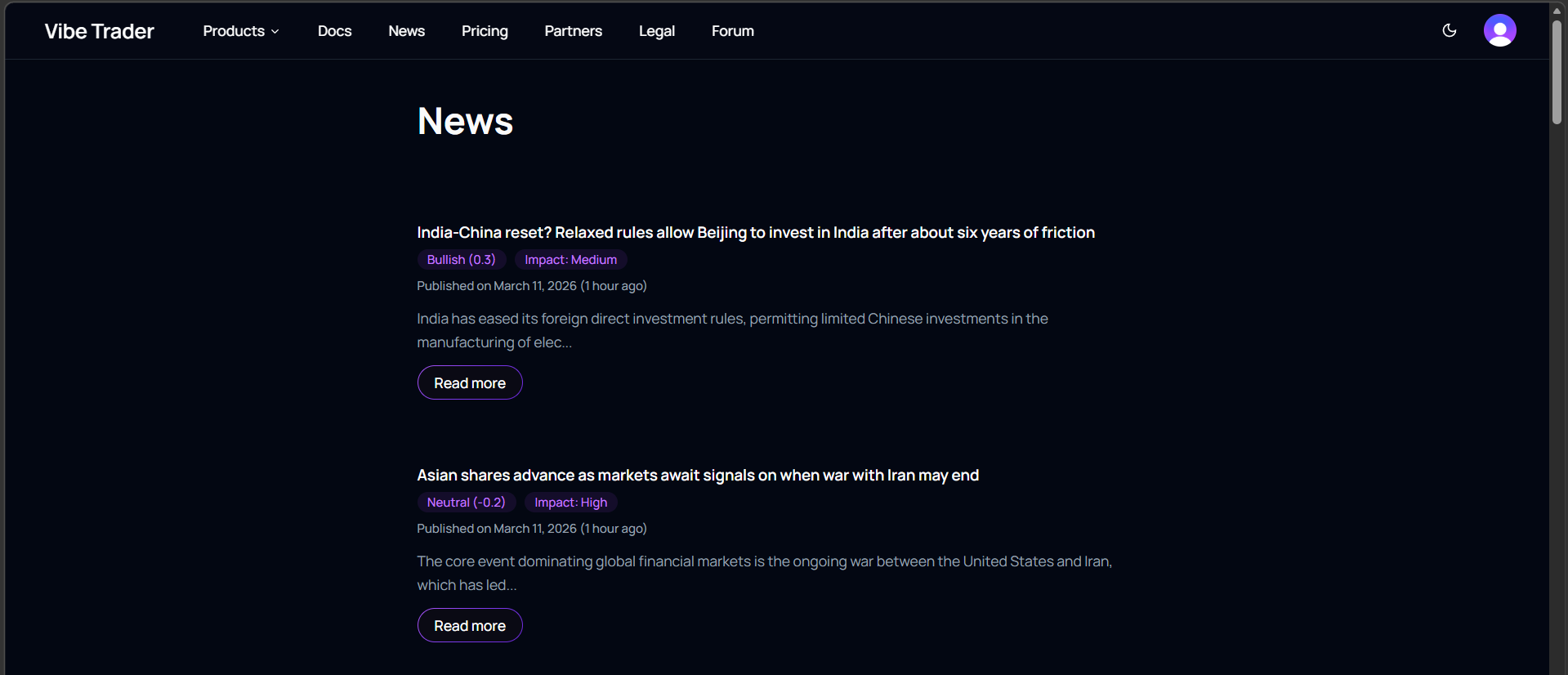
Market News
Stay updated with real-time fundamental news and AI-summarized insights on global markets.
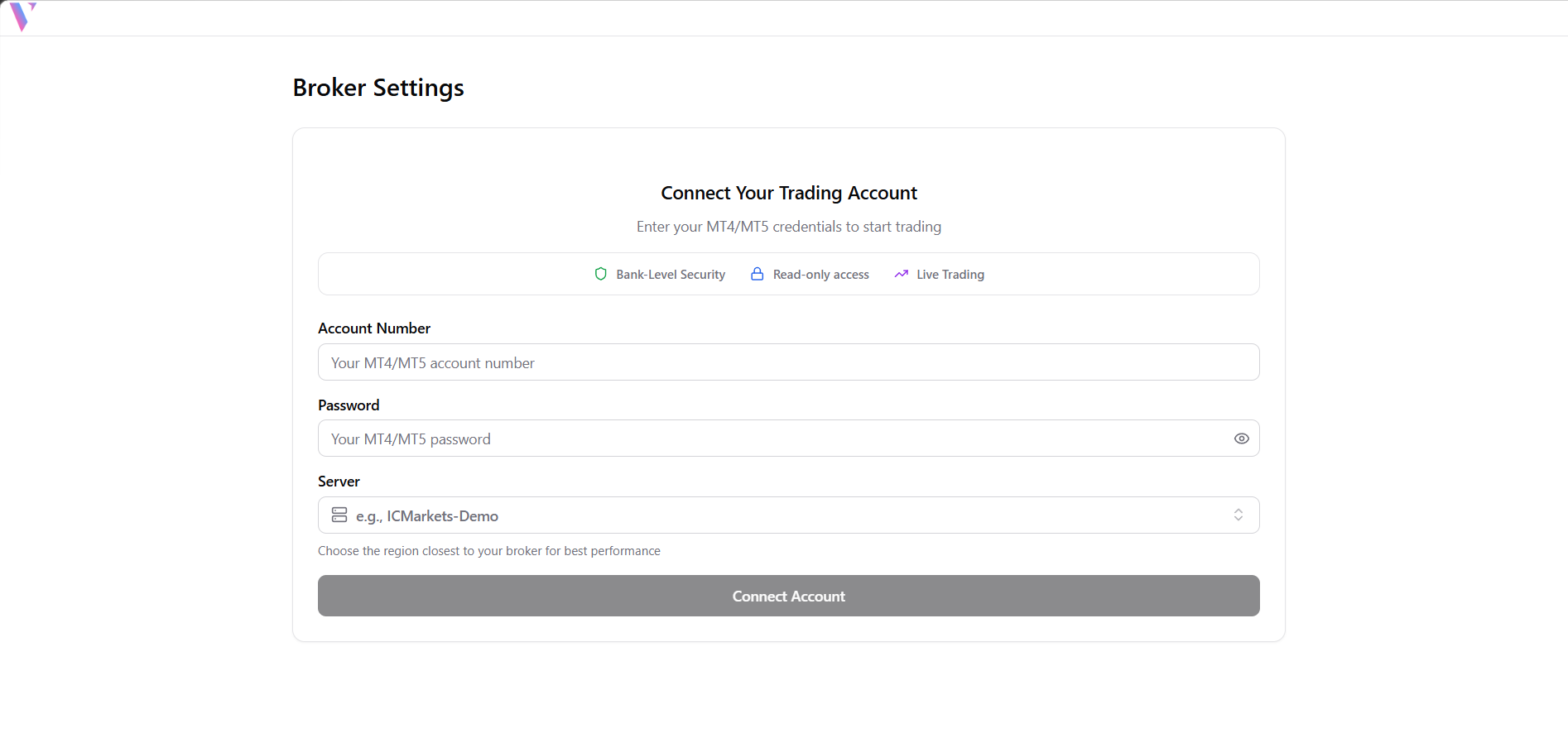
Bottom Actions: Broker Connection
Link your MT4/MT5 trading account to the platform via MetaAPI for live execution.
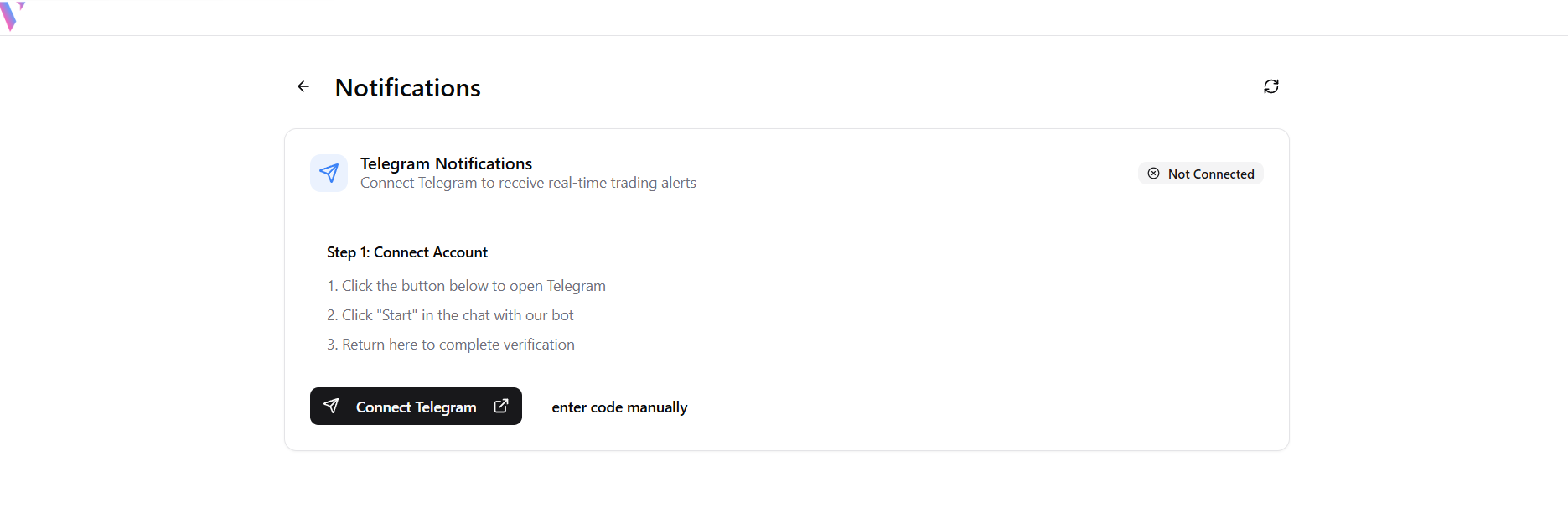
Bottom Actions: Notifications
Manage system alerts and view important platform notifications.
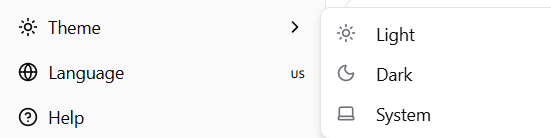
Bottom Actions: Theme
Toggle between Light, Dark, and System theme modes for the best viewing experience.
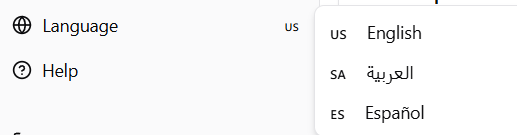
Bottom Actions: Language
Change the platform interface language to your preferred localization (e.g., English, Spanish, Arabic).
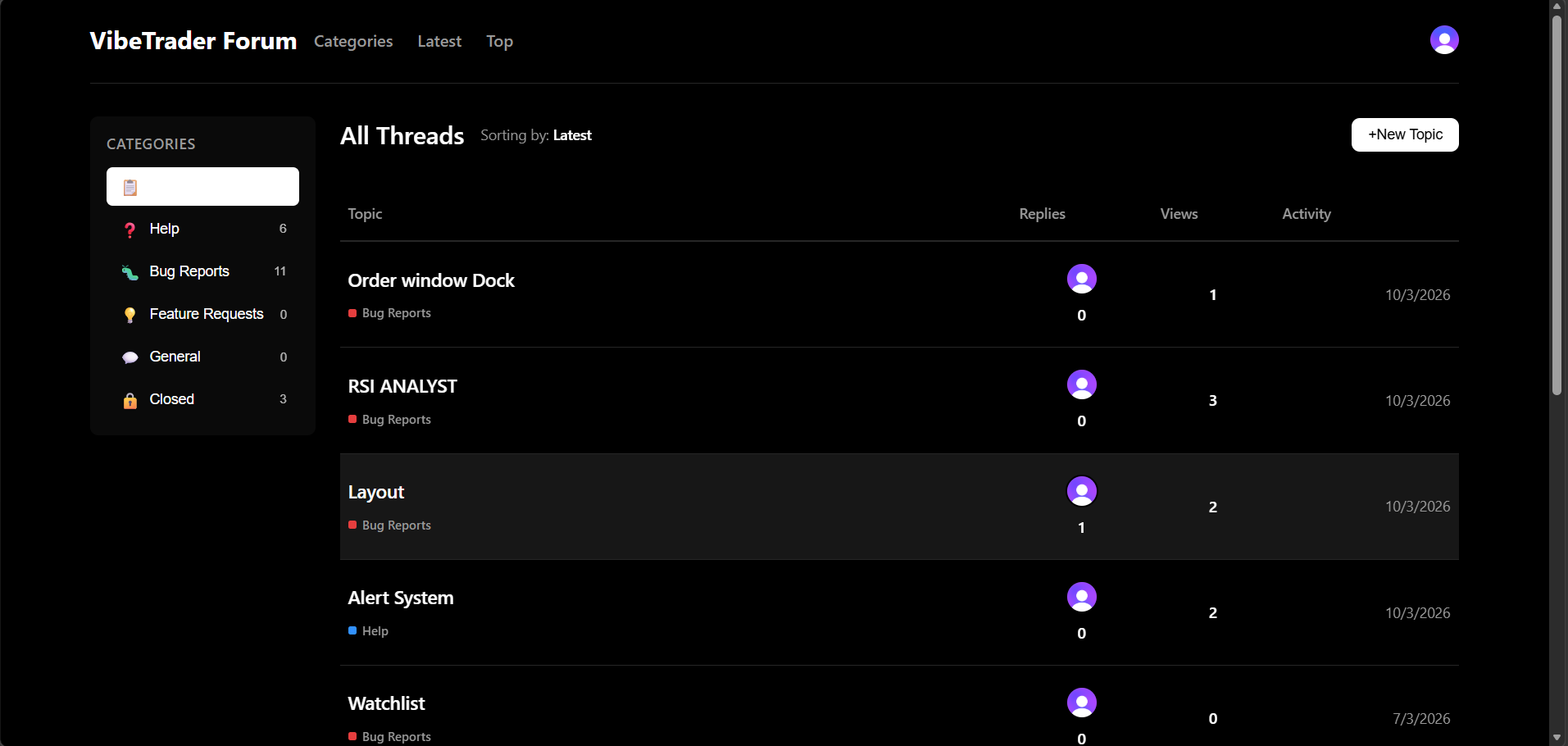
Bottom Actions: Help Forum
Access the community forum for discussion, feature requests, and bug reports.
Bottom Actions: Sign Out
Securely disconnect your current session from the platform.